

You pre-loaded the game, cleared the weekend, and then looked at the TV you bought in 2019. It's 60Hz, the colors look washed out, and the menu lags every time you press a button. If that sounds familiar, you're probably shopping for the best TV for GTA 6 right now. Rockstar's next game launches November 19, 2026 on PS5 and Xbox Series X|S (no PC date yet), and a big open-world game is exactly where a better screen pays off. Here are four 4K TVs we'd look at, ranked by Amazon stars and review counts.
One honest note first. Rockstar hasn't published the final resolution or frame-rate modes, so nobody can tell you the exact "best" settings yet. What we can tell you is what helps in almost any modern console game: a 4K panel, a 120Hz-plus refresh rate, HDMI 2.1 input and good contrast for night scenes.
What to Look For in a TV for GTA 6
120Hz and HDMI 2.1. Both PS5 and Xbox Series X can output 4K at up to 120Hz, but only through an HDMI 2.1 port. Many TVs only have one or two of those ports, so check which ones are labeled. If you also have a soundbar, it may take one of them.
VRR. Variable refresh rate keeps the picture smooth when the frame rate dips. Big open-world games dip. A TV with VRR hides a lot of that.
Contrast and brightness. GTA nights are dark and the neon is bright. OLED gives you perfect blacks. Mini-LED sets get much brighter, which matters more in a sunny living room.
Input lag and a game mode. Look for an auto game mode that switches the picture settings when the console turns on. It cuts the delay between your thumb and the screen.
Size and distance. 55 inches is plenty at 6 feet. 65 inches is the sweet spot for most couches. Go bigger only if you sit far back.
The 4 Best TVs for GTA 6 in 2026
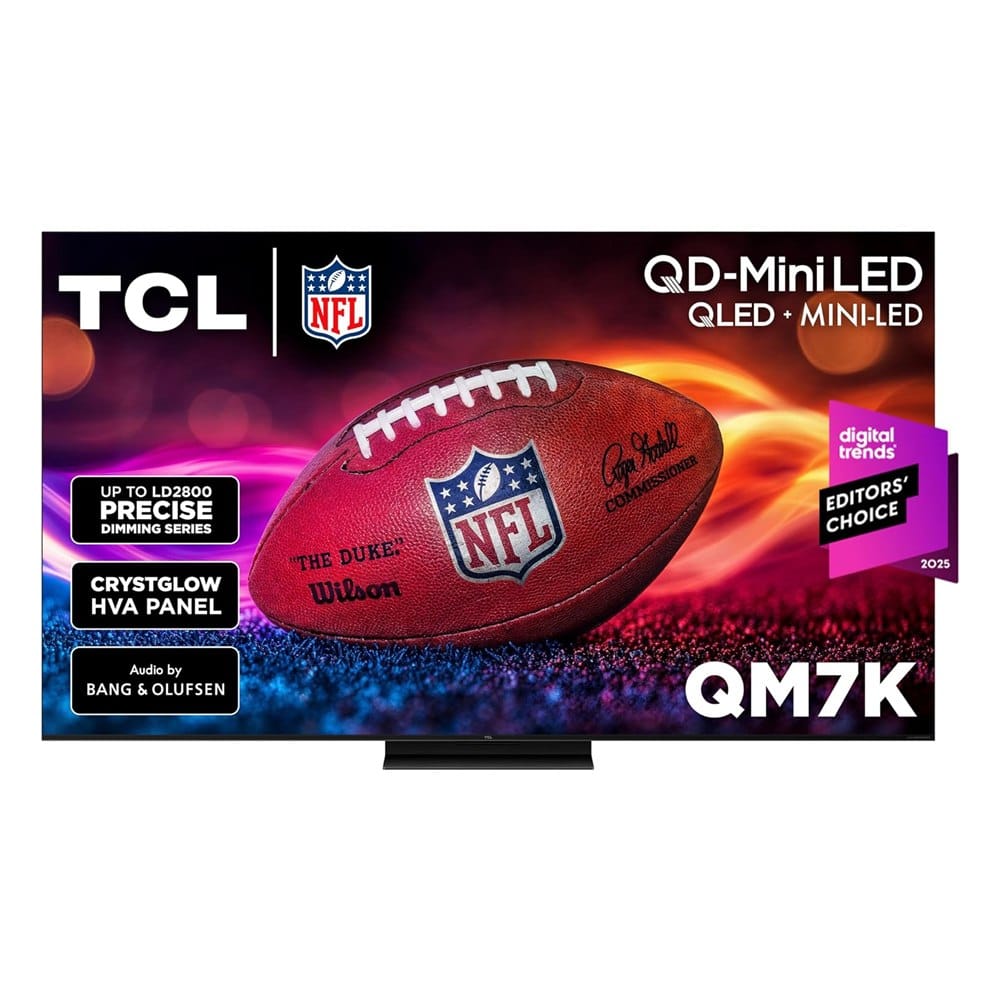
1. TCL 65-Inch QM7K Mini LED QLED 4K TV
Best for: bright rooms and anyone who wants big-screen value without paying OLED prices.
The QM7K is a Mini LED QLED set with a 120Hz to 144Hz refresh range, Google TV built in and an anti-reflective screen. It also lists Dolby Atmos support.
What makes it stand out: It's the best-rated pick here by our score, and the anti-glare coating helps if your TV faces a window. Mini LED backlighting gets bright enough for HDR highlights, which suits a game with a lot of sun and neon.
Good to know: Mini LED can't match OLED black levels, and some reviewers mention blooming around bright objects on dark backgrounds. Confirm which HDMI ports are the 2.1 ones before you plug in the console.
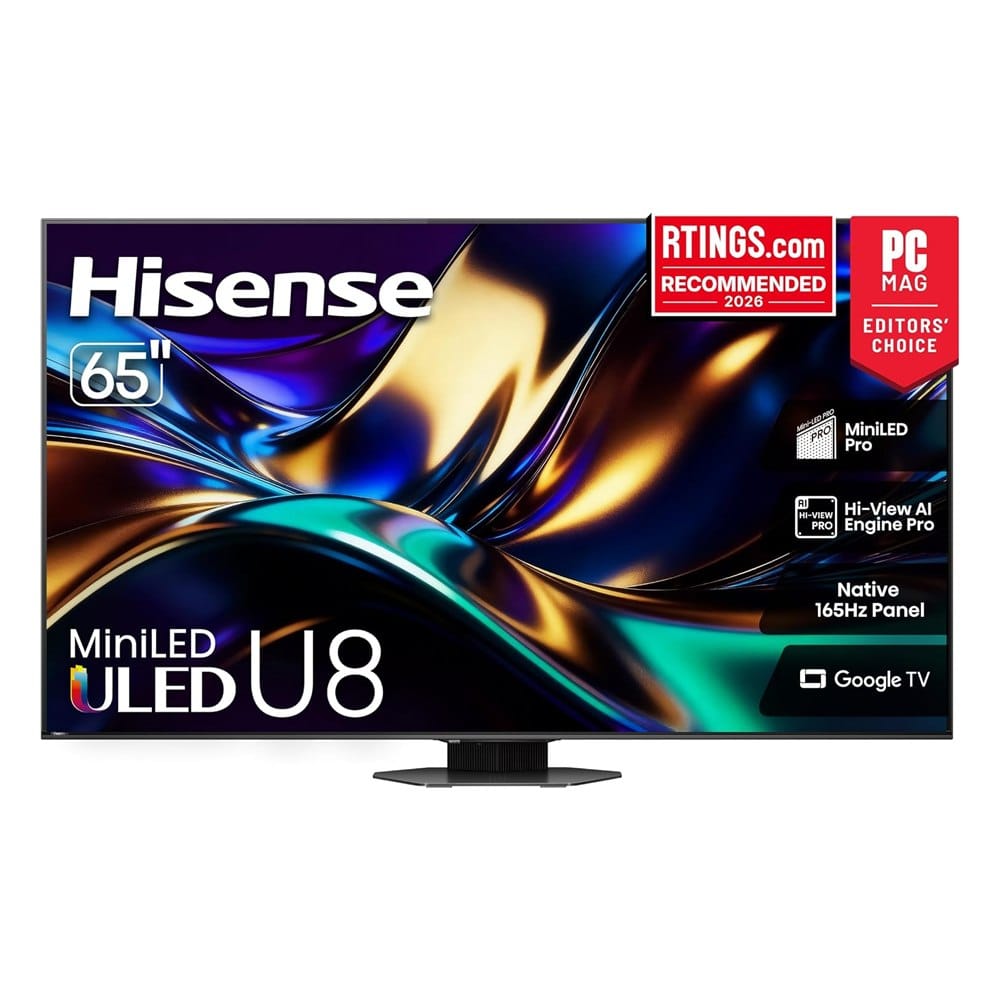
2. Hisense 65-Inch U8 Series Mini-LED 4K TV (65U8QG)
Best for: gamers who want the highest refresh rate and brightness in this group.
Hisense lists a native 165Hz panel with variable refresh rate up to 288, Mini-LED backlighting, up to 5,000 nits of peak brightness, Dolby Vision IQ and Google TV. It also lists a 4.1.2 channel speaker system with Dolby Atmos and a 2-year warranty.
What makes it stand out: The refresh rate is the highest here, and it's built for bright HDR. If you also play PC games on the same TV, the 165Hz panel gives you headroom a console can't use yet.
Good to know: The console tops out at 120Hz, so the extra 45Hz is for other devices. It costs noticeably more than the TCL, and the brightness claim is Hisense's own "peak" number, not what you'll see across the whole screen.
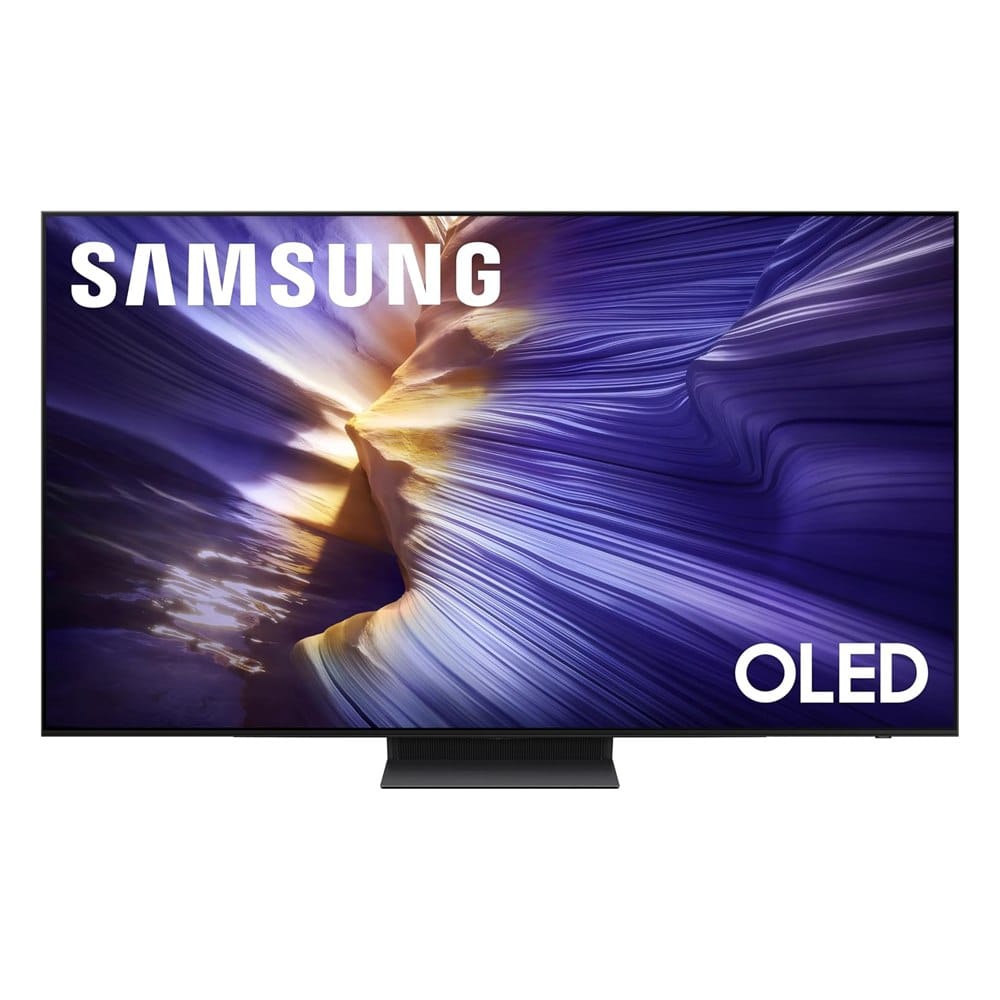
3. Samsung 65-Inch S90F OLED 4K Smart TV
Best for: dark rooms and night-time play where deep black levels matter most.
The S90F is a 2025 OLED with Samsung's NQ4 AI Gen3 processor, Motion Xcelerator at 144Hz, Dolby Atmos and built-in Alexa. Samsung's gaming hub is built in too, so you can open cloud games without a console.
What makes it stand out: Every pixel turns off on its own, so night driving and neon signs look clean. The highest user rating in this list (4.4 stars) comes from this one.
Good to know: It's the most expensive pick. OLEDs are less bright than Mini LED sets, so it works best in a room you can dim. The usual OLED worry is burn-in from a map or HUD that stays on screen for hundreds of hours, so leave the auto-dimming settings on.
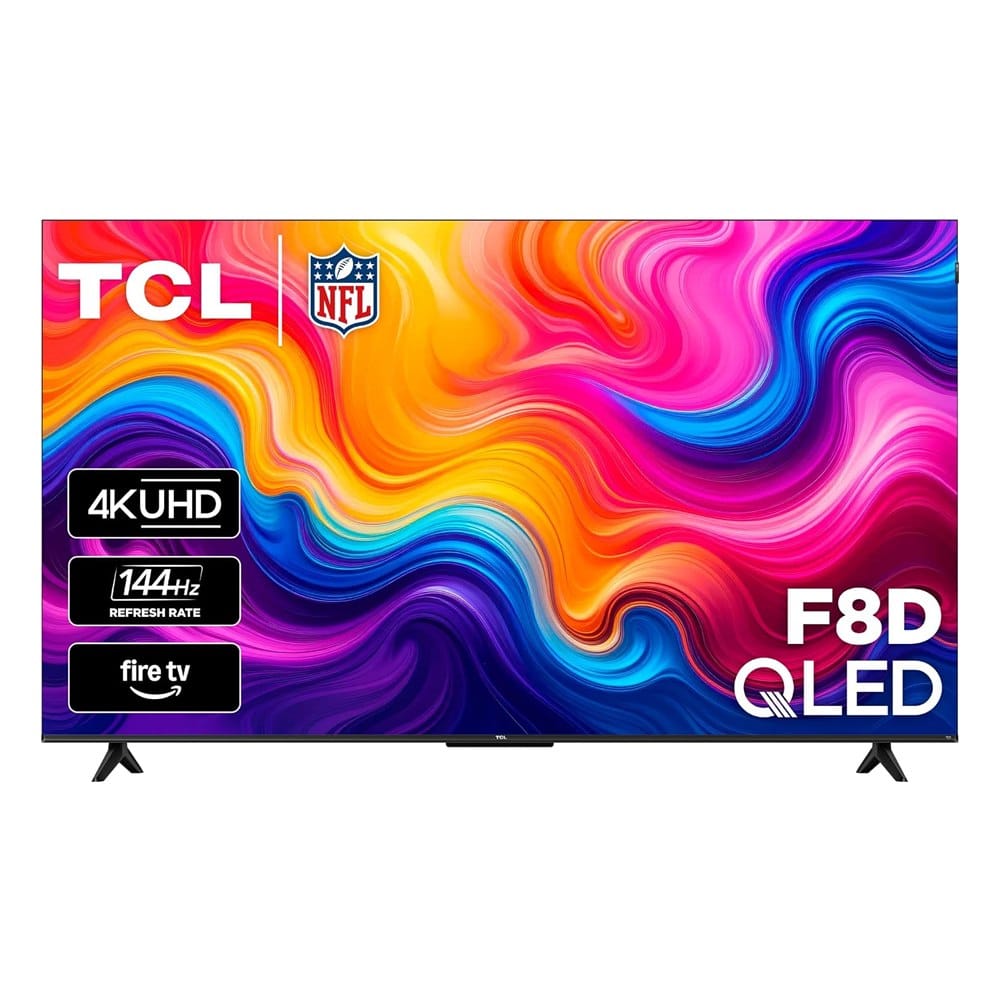
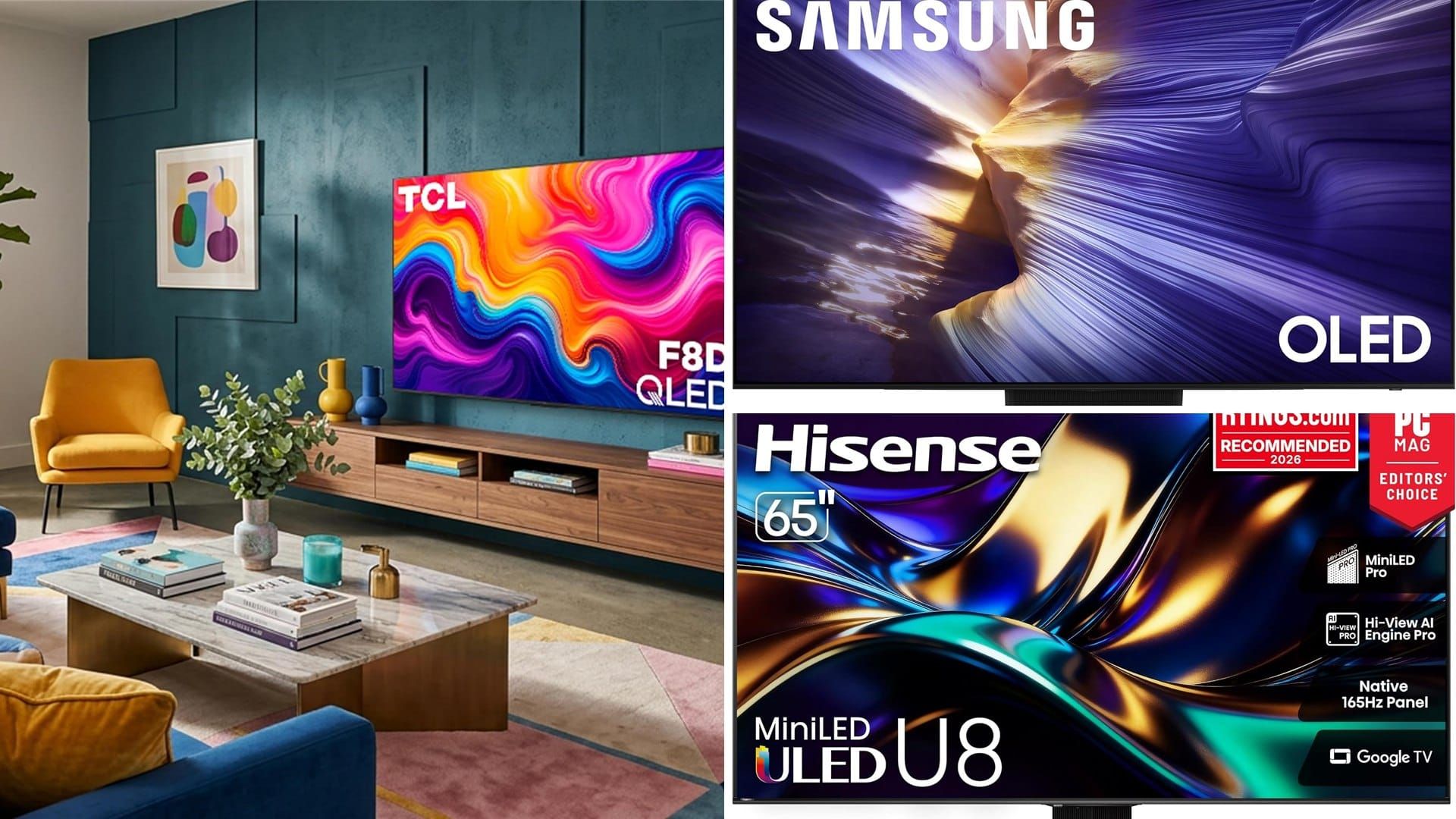
4. TCL 55-Inch F8D QLED 4K Smart Fire TV
Best for: a bedroom, dorm or second TV on a smaller budget.
This is the budget pick: a 55-inch 4K QLED with Fire TV built in, plus auto game mode and variable refresh support.
What makes it stand out: It's by far the cheapest and is sized for a bedroom. It gives you a real 4K, high-refresh screen without the big price.
Good to know: It has the fewest reviews of the four (about 100), so there's less track record. The listing says 144Hz, while some TCL pages list 120Hz, so read the spec sheet before you buy. Expect weaker contrast than the other three.
How to Set Up Your TV for a Big Game Launch
- Plug the console into an HDMI port labeled 4K 120Hz or HDMI 2.1.
- Turn on Game Mode (or let the TV switch to it automatically).
- In the console's video settings, make sure 120Hz and VRR are turned on if your TV supports them.
- Turn off motion smoothing. It adds delay and makes the picture look fake.
- Use the real HDMI 2.1 cable that came with the console. Old cables are a common reason the 120Hz option doesn't show up.
If a bigger sound upgrade is next on your list, see our guide to a soundbar for clear dialogue, which helps in story-heavy games. Prefer a monitor to a TV? Check our Acer gaming monitor picks.
Frequently Asked Questions
When does GTA 6 come out?
Do I need a 120Hz TV for GTA 6?
OLED or Mini LED for gaming?
Will the game support the PS5 Pro?
Keep Reading
- Best Acer gaming monitors for 24 to 34 inches
- MSI gaming monitors for 1080p, 1440p and ultrawide
- Soundbars for clear dialogue
Final Thoughts
If you want one TV and don't want to overthink it, we'd buy the TCL QM7K. It has the best rating-to-review balance here and it handles a bright room. Pick the Samsung S90F if you play at night and the budget allows, and the Hisense U8 if you want the highest refresh rate or plan to use it with a PC.
The TCL F8D is the one to get if this is a bedroom or second-room TV. Whatever you pick, order soon. Launch week is when stock gets tight and shipping slows down.
Disclosure: This post contains affiliate links. As an Amazon Associate I earn from qualifying purchases. Here's how we pick products.