




A portable monitor for a laptop fixes the one thing that makes working off a 14-inch screen miserable: no room. You have a spreadsheet on one side, email on the other, and you're alt-tabbing all day. A second screen that weighs under 2 pounds and runs off one USB-C cable solves it. This is for remote workers, travelers and anyone who wants a second display without a desk setup. Here are the 4 best portable monitors for a laptop in 2026, ranked by how many happy buyers each one has.
What to Look For in a Portable Monitor for a Laptop
Check your laptop's USB-C port first. This is the number one reason people return these. Your laptop's USB-C port has to support video output (DisplayPort Alt Mode, or Thunderbolt). If it only charges, you'll need a mini HDMI connection instead. Look up your laptop's spec page before you buy.
Size and weight. A 15.6-inch screen at about 1.6 to 1.8 pounds fits in a laptop bag without a fight. Anything heavier gets left at home.
Resolution and ratio. 1080p is fine at 15.6 inches. A 16-inch 1920x1200 panel (16:10) gives you a little more vertical room for documents. Skip 4K at this size unless you really want it, since it costs more and drains your laptop battery faster.
Stand. A built-in kickstand is steadier than a fold-over cover. If you work on a plane tray or a couch, that matters.
The 4 Best Portable Monitors for a Laptop in 2026
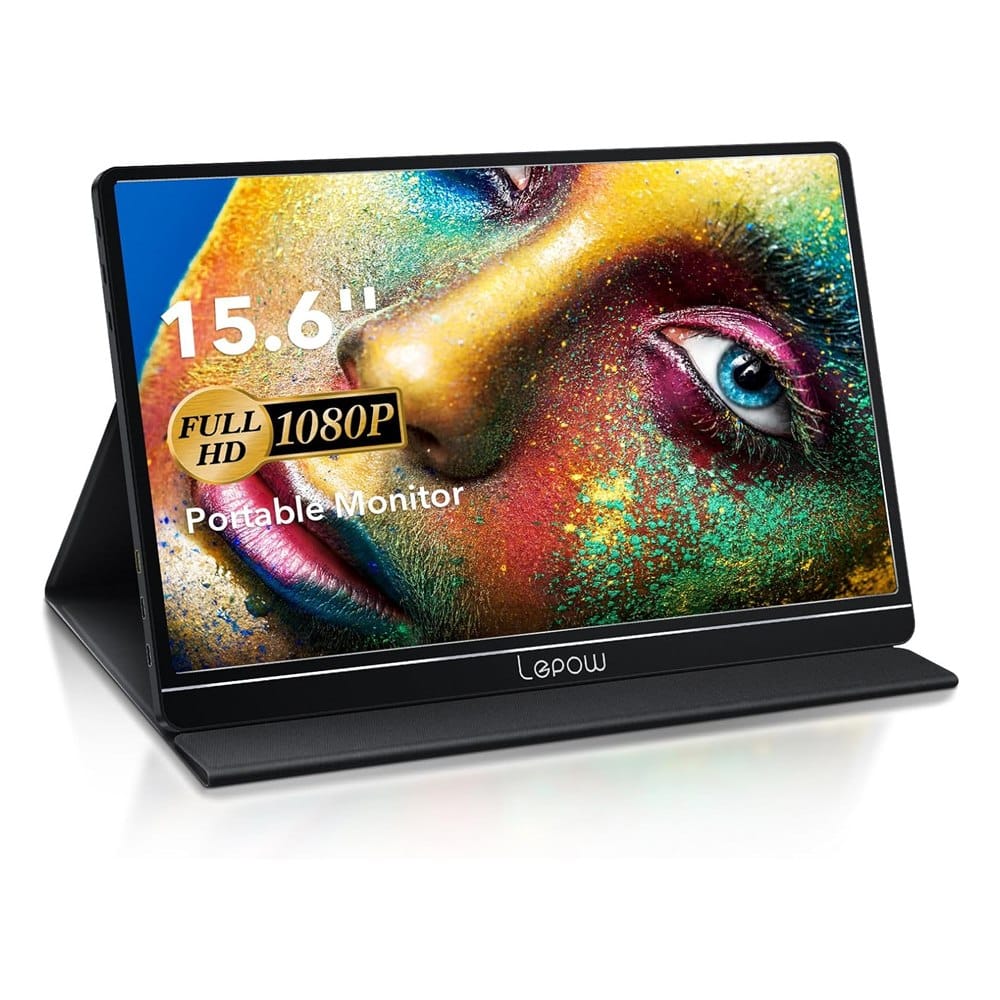
1. Lepow 15.6" 1080p Portable Monitor
Best for: the lowest price that still has thousands of reviews behind it.
This is the most reviewed monitor on the list: 4.3 stars from more than 11,000 reviews. It's a 15.6-inch 1920x1080 IPS panel with a 178-degree viewing angle. It weighs 1.76 pounds and is 0.3 inches thin.
What makes it stand out: It has two full-function USB-C ports plus a mini HDMI port, so it works with laptops, phones and game consoles. It also has built-in speakers, and the box includes a smart cover, cables and a wall charger.
Good to know: The PU leather cover doubles as the stand, and that's less steady than a metal kickstand. It's also a budget panel, so don't expect an ASUS-level screen. It's the one to buy if price matters most.
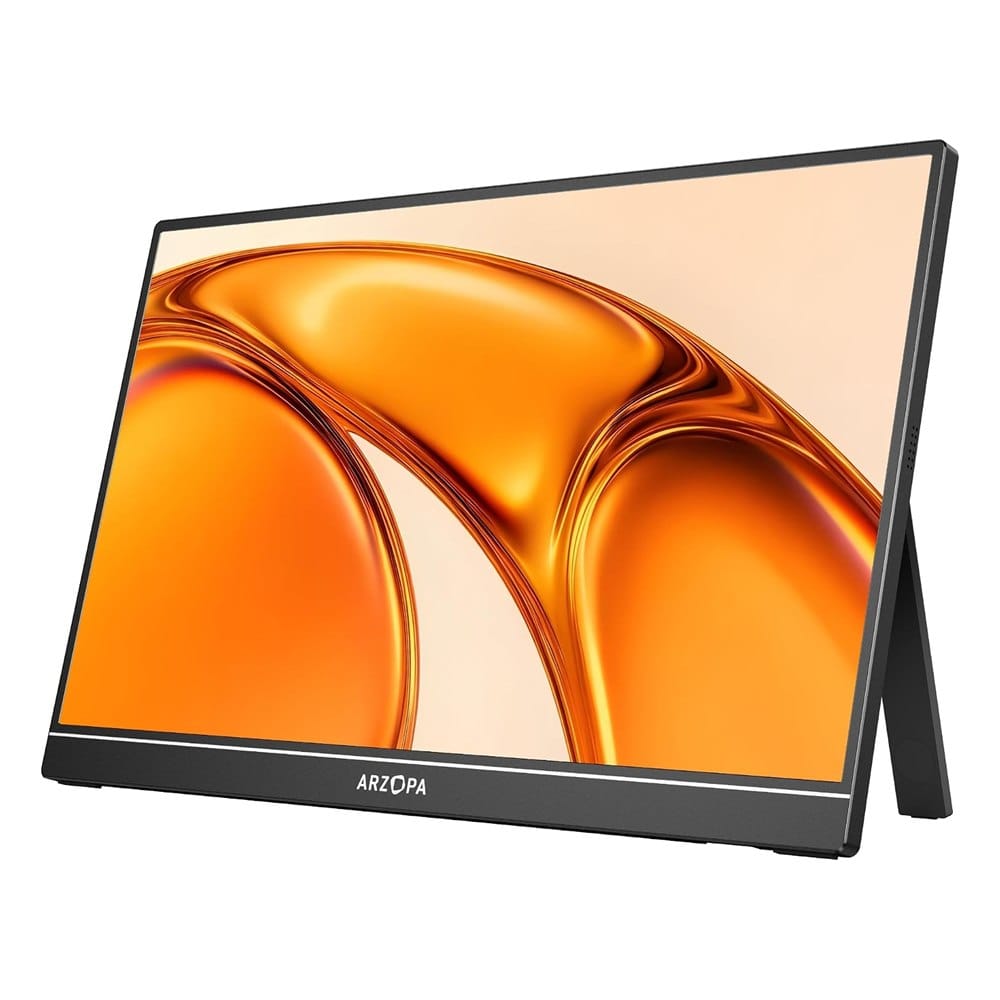
2. ARZOPA A1 15.6" 1080p Portable Monitor
Best for: a sturdy metal build with a real kickstand at a mid price.
The ARZOPA A1 has 4.5 stars from more than 2,100 reviews. It's a 1080p IPS panel in a metal body that weighs 1.6 pounds and measures 0.35 inches thick. It works with USB-C and mini HDMI, and it needs no driver or app.
What makes it stand out: The patented kickstand is adjustable, works in portrait or landscape, and doesn't slip. It also has three display modes (duplicate, extend and second screen), so it works fine as a phone display too.
Good to know: It's a plain 1080p screen with no special extras. If you want a longer warranty or a brand name on the back, look at the ASUS.
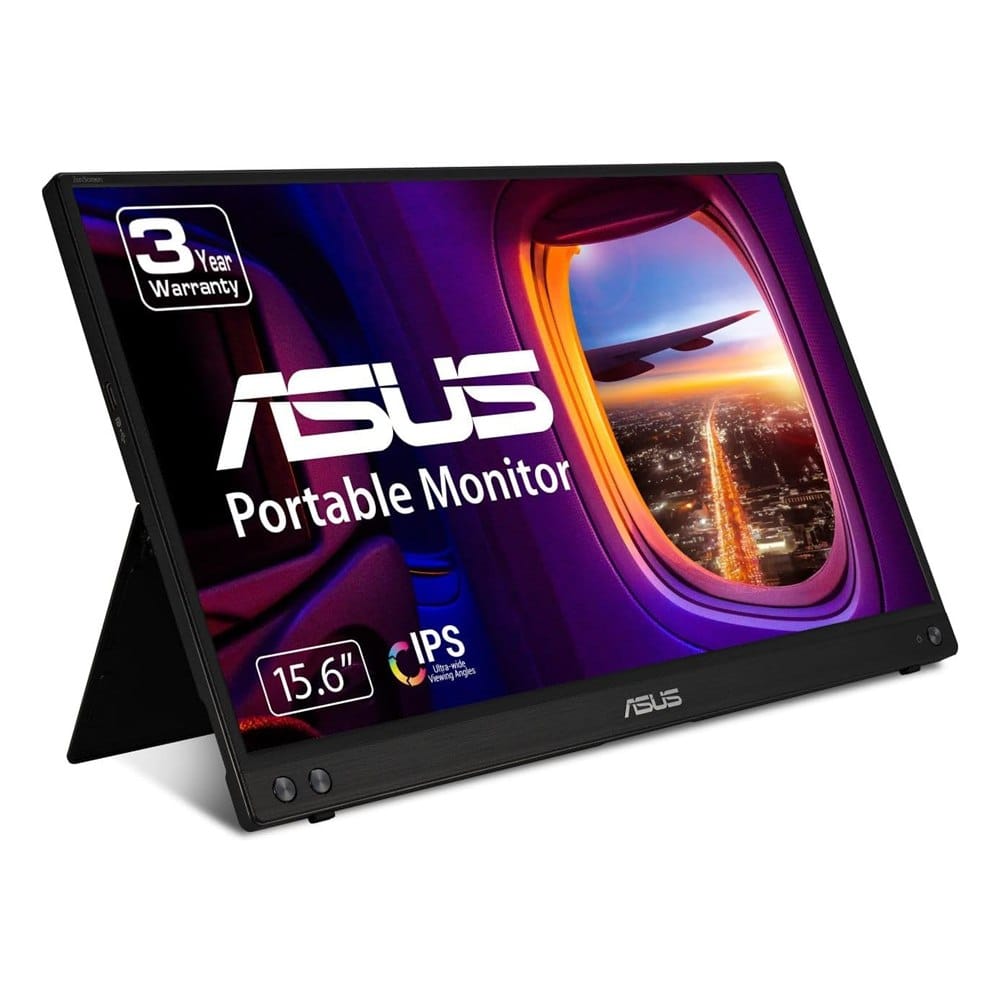
3. ASUS ZenScreen MB16ACV 15.6" Portable Monitor
Best for: people who want a known brand and a 3-year warranty for daily work.
The ZenScreen MB16ACV has 4.5 stars from nearly 1,000 reviews. It's a 15.6-inch anti-glare 1080p IPS panel that weighs 0.83 kg (about 1.8 pounds) and is 10.5 mm thick. It's built to run from a single USB cable.
What makes it stand out: The warranty is 3 years with advanced replacement and repair. It has TV Rheinland flicker-free and low blue light certification, and it supports USB-C power delivery. The kickstand works in portrait or landscape.
Good to know: It costs the most of the 15.6-inch models. The listing says a USB-A connection needs a DisplayLink driver, so check that your laptop has a USB-C port with video output, or plan on installing the driver.
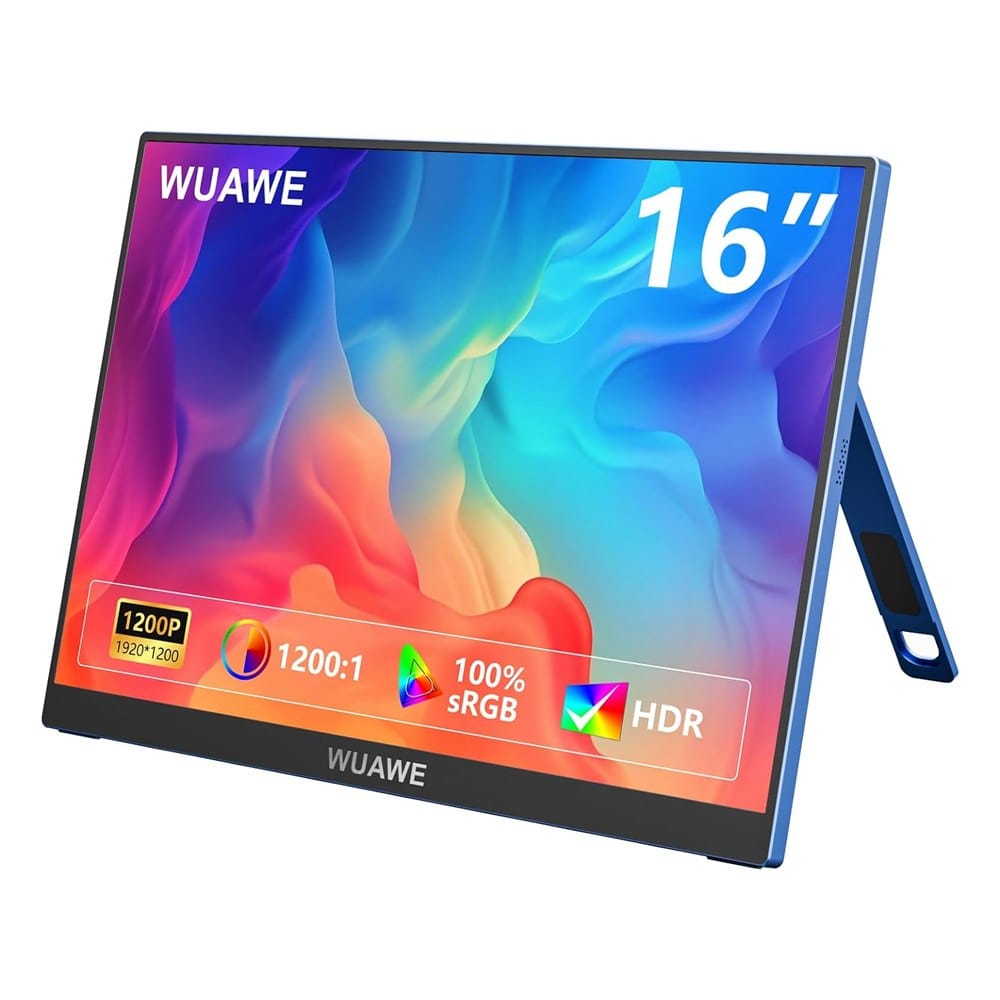
4. WUAWE 16" 1920x1200 Portable Monitor
Best for: a bit more screen height for spreadsheets and documents.
The WUAWE is a 16-inch 1920x1200 (16:10) IPS panel with 4.5 stars from nearly 200 reviews. It lists 300 nits of brightness, a 1200:1 contrast ratio, HDR and FreeSync. The body is metal, and it's 0.3 inches thin.
What makes it stand out: The 16:10 shape gives you more vertical room than a 15.6-inch 1080p screen. It has two USB-C ports and a mini HDMI port, plus built-in speakers and a pull-out kickstand that holds its angle in portrait or landscape.
Good to know: It has the fewest reviews here, and WUAWE is a smaller brand. The listing says your laptop's USB-C port must support Thunderbolt 3 or USB 3.1 DP Alt Mode. 300 nits is fine indoors but dim in direct sun.
How to Set Up a Portable Monitor
- Plug the USB-C cable from the monitor into your laptop's video-capable USB-C port. If that port is charge-only, use the mini HDMI cable and power the monitor from a wall charger.
- Open your display settings and choose Extend (a second screen) or Duplicate (a mirror).
- Put the monitor at eye level and match the brightness to your laptop's screen.
- Keep the laptop plugged in if you can. A bus-powered monitor drains the laptop battery quicker.
If you want to raise it off the table, see our portable monitor stand picks. And if you're still choosing a machine, our laptops for working from home guide can help.
Frequently Asked Questions
What is the best portable monitor for a laptop?
Does my laptop need a special USB-C port?
Do portable monitors drain the laptop battery?
Can I use a portable monitor with a phone or console?
Keep Reading
Final Thoughts
The Lepow is #1 because over 11,000 people bought it and still rate it 4.3 stars, and it's the cheapest here. If you want a sturdier build, spend a little more on the ARZOPA A1.
The ASUS ZenScreen is for people who'll use it every workday and want the 3-year warranty. The WUAWE is the pick if you'd rather have the taller 16:10 screen and don't mind a smaller brand.
Disclosure: This post contains affiliate links. As an Amazon Associate I earn from qualifying purchases. Here's how we pick products.