

You're carrying groceries, the keys are somewhere at the bottom of your pocket, and the door is still locked. A smart lock fixes that, but the listings are a mess of Wi-Fi, Matter, Thread and "works with Alexa." If you want a smart lock for your front door that you'll still be happy with in two years, here's what to check. These are the 5 best smart locks for a front door in 2026, ranked by how many people buy them and how well they rate.
What to Look For in a Smart Lock for a Front Door
Security rating. Look for a BHMA grade. Grade 1 is the highest for homes, and Grade 3 is the lowest. It's about how many lock cycles and how much force the lock can take. A front door is the one place to pay attention to it.
Wi-Fi or hub. Built-in Wi-Fi lets you lock and unlock from your phone with no extra gear. Most of these only work on 2.4 GHz Wi-Fi, so keep your router close. Matter over Thread is great for a smart home setup, but it needs a Thread border router, which some smart speakers and hubs include.
Unlock methods. Fingerprint is fast, keypad is good for guests, and the app lets you send temporary codes. Pick what your household will really use. A fingerprint reader is no help to a house-sitter.
Batteries. Most use 4 or 8 AA batteries and last about 6 to 18 months. Check whether they're in the box, and whether there's a backup like a physical key or a USB-C port for emergencies.
Door fit. Measure your door thickness and backset before you order. Most fit standard doors, but the listing will tell you the range. We didn't personally test any of these, so we went by listing specs and review patterns.
The 5 Best Smart Locks for a Front Door in 2026
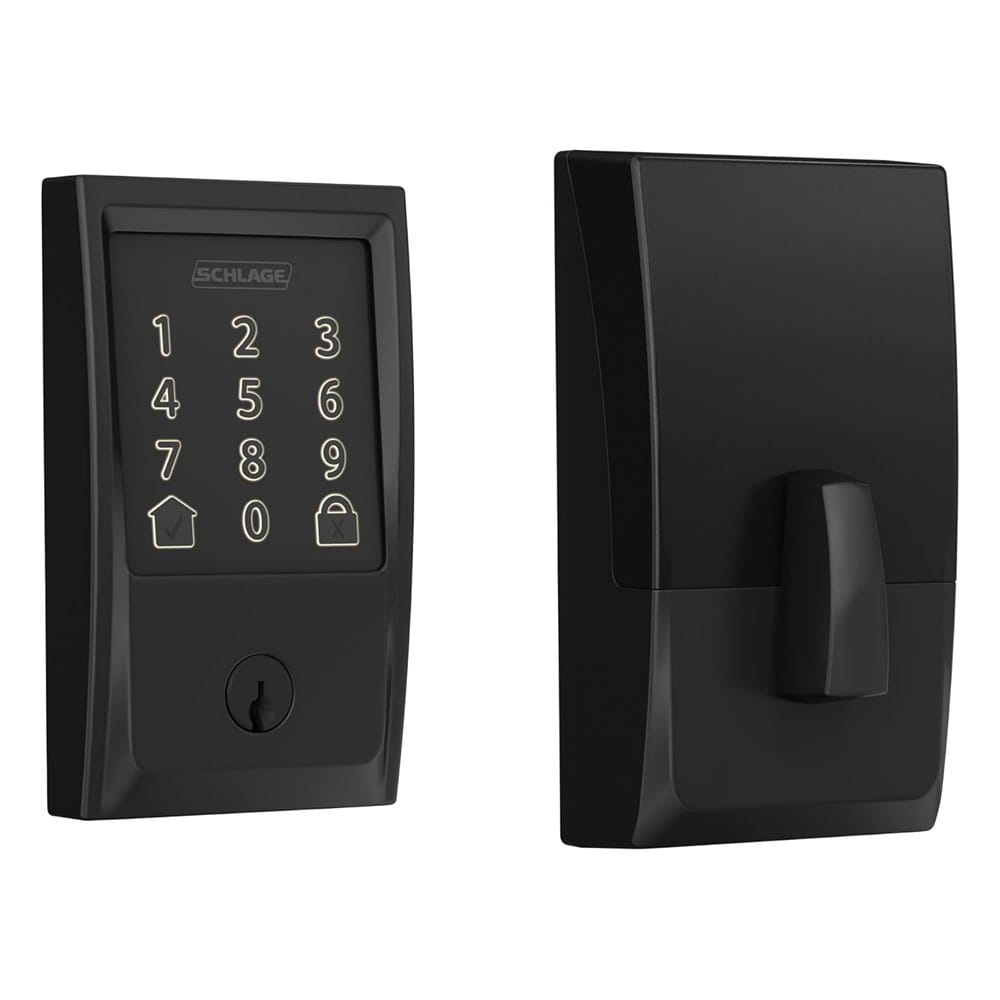
1. Schlage Encode Smart WiFi Deadbolt
Best for: people who want the highest security rating and a brand with a long track record.
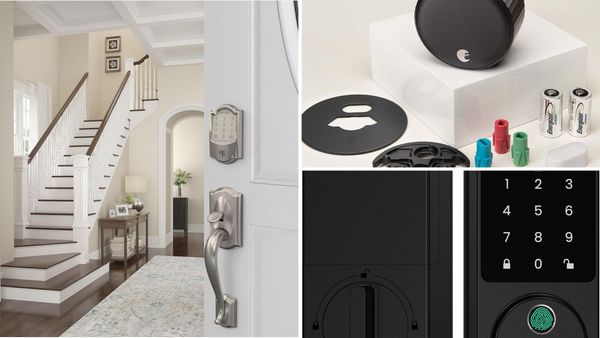
The Encode is a touchscreen deadbolt with built-in Wi-Fi, so you don't need a hub. It has over 16,000 reviews and a 4.3 star average, which makes it the most proven lock on this list.
What makes it stand out: It's certified to the highest BHMA rating for security, durability and finish. It stores up to 100 access codes, has a built-in alarm for forced entry, and works with Alexa and Google Home. Four AA batteries are included, and Schlage says they last up to six months.
Good to know: No fingerprint reader. It's keypad and app only. It fits doors 1-3/8 to 1-3/4 inches thick with a 2-3/8 or 2-3/4 inch backset, so measure first.
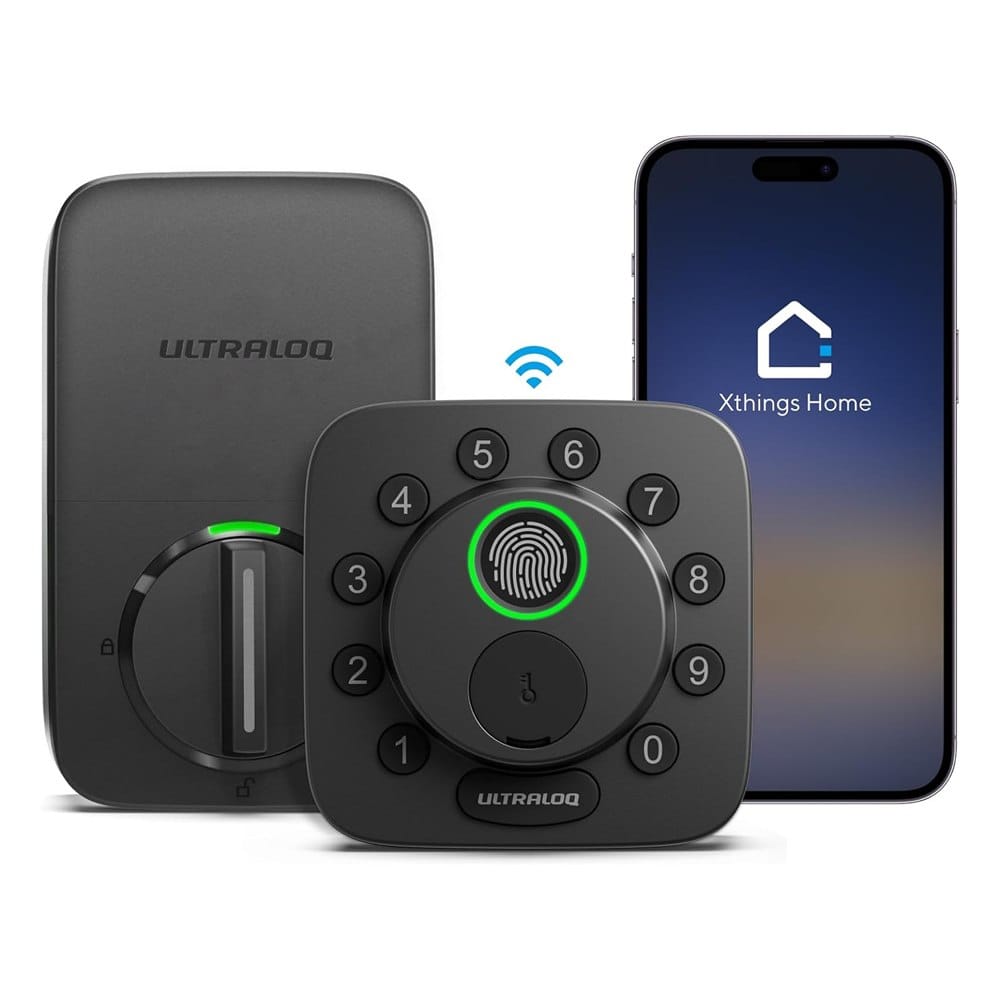
2. ULTRALOQ Bolt SE Wi-Fi Smart Lock
Best for: smart home setups that use Matter, Apple Home or Thread.
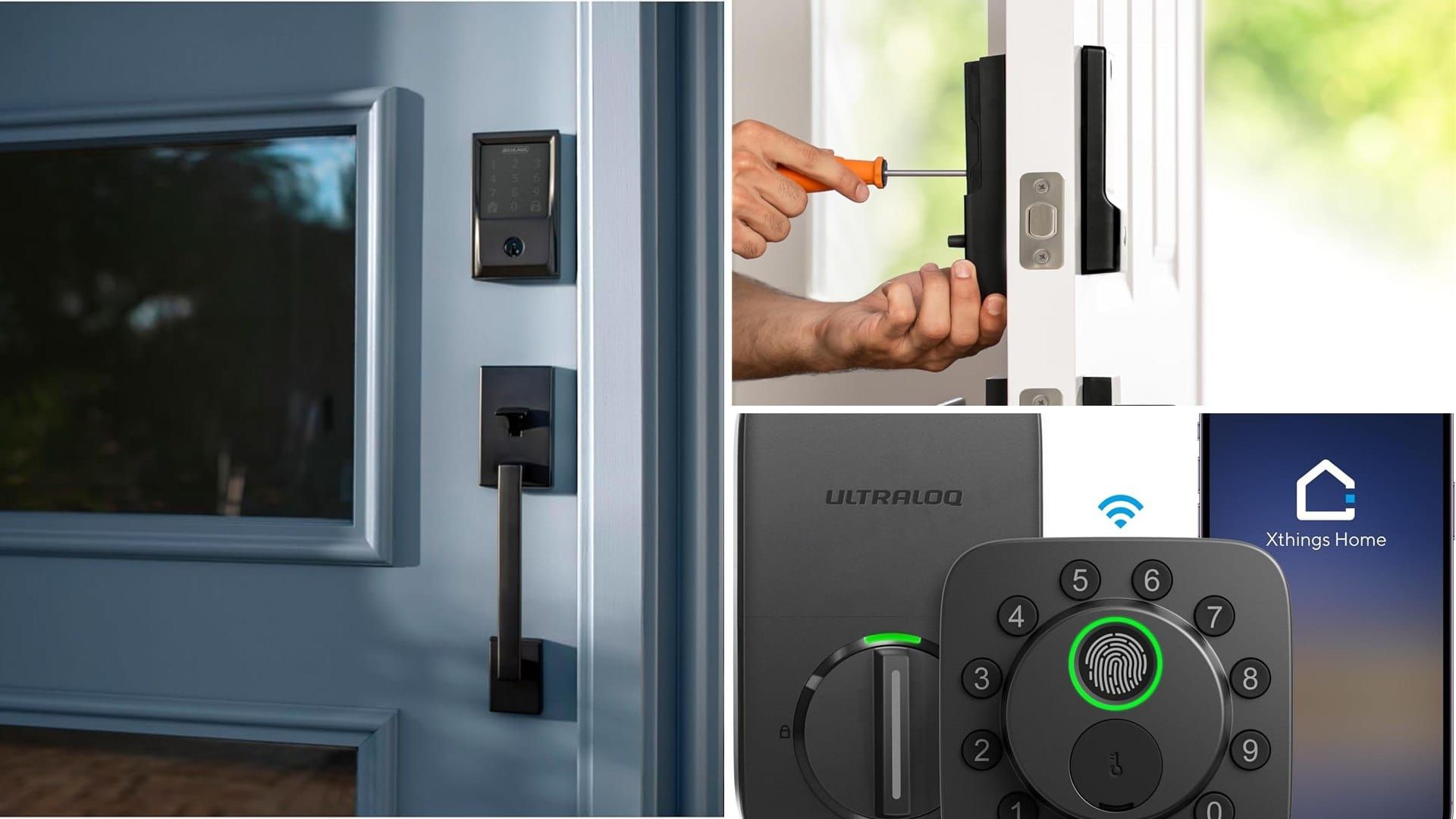
The Bolt SE gives you fingerprint, keypad, app and key, plus built-in Wi-Fi. It has more than 10,000 reviews at 4.3 stars, and it costs less than the Schlage when we checked.
What makes it stand out: It stores up to 50 fingerprints and 50 codes, and works with Siri, Alexa and Google Assistant. If you have a Thread border router, Matter over Thread can stretch the battery life to about 18 months, according to the listing.
Good to know: Wi-Fi is 2.4 GHz only. The batteries (4 AA) and a door sensor are not included. Matter over Thread needs a compatible hub, so it's not a plug-and-play feature if you don't already have one.
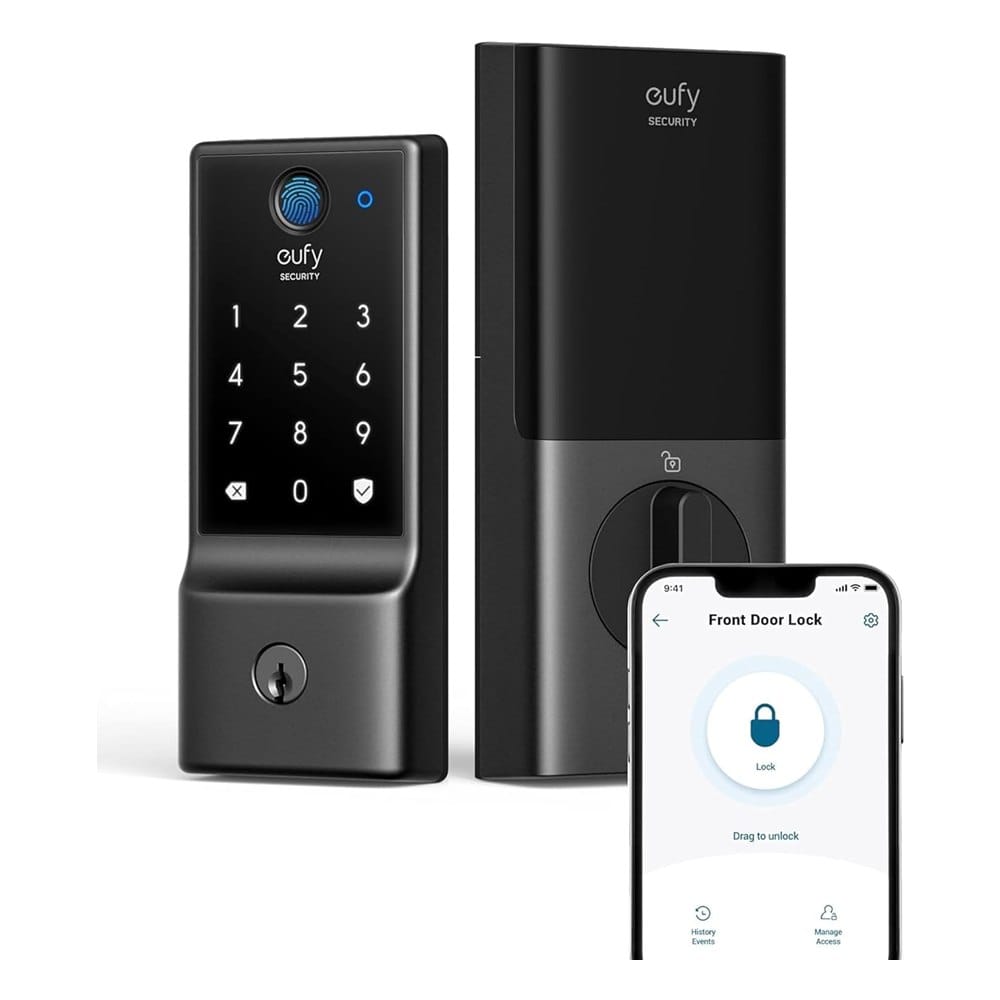
3. eufy Security Smart Lock C220
Best for: fingerprint entry and a quick install, especially if you already use eufy cameras or doorbells.
The C220 is a Wi-Fi fingerprint deadbolt with a keypad and no bridge needed. It has over 4,300 reviews and a 4.2 star average.
What makes it stand out: It has 6 ways to unlock, including Apple Watch, and eight AA batteries that eufy says last around 8 months. It's rated IP53 for water, works from -22 to 158 degrees F, and eufy says it installs in about 15 minutes with no drilling.
Good to know: It's certified BHMA Grade 3, the lowest grade, so it's a step below the Schlage on paper. If your front door is the main way in and security matters most, keep that in mind.
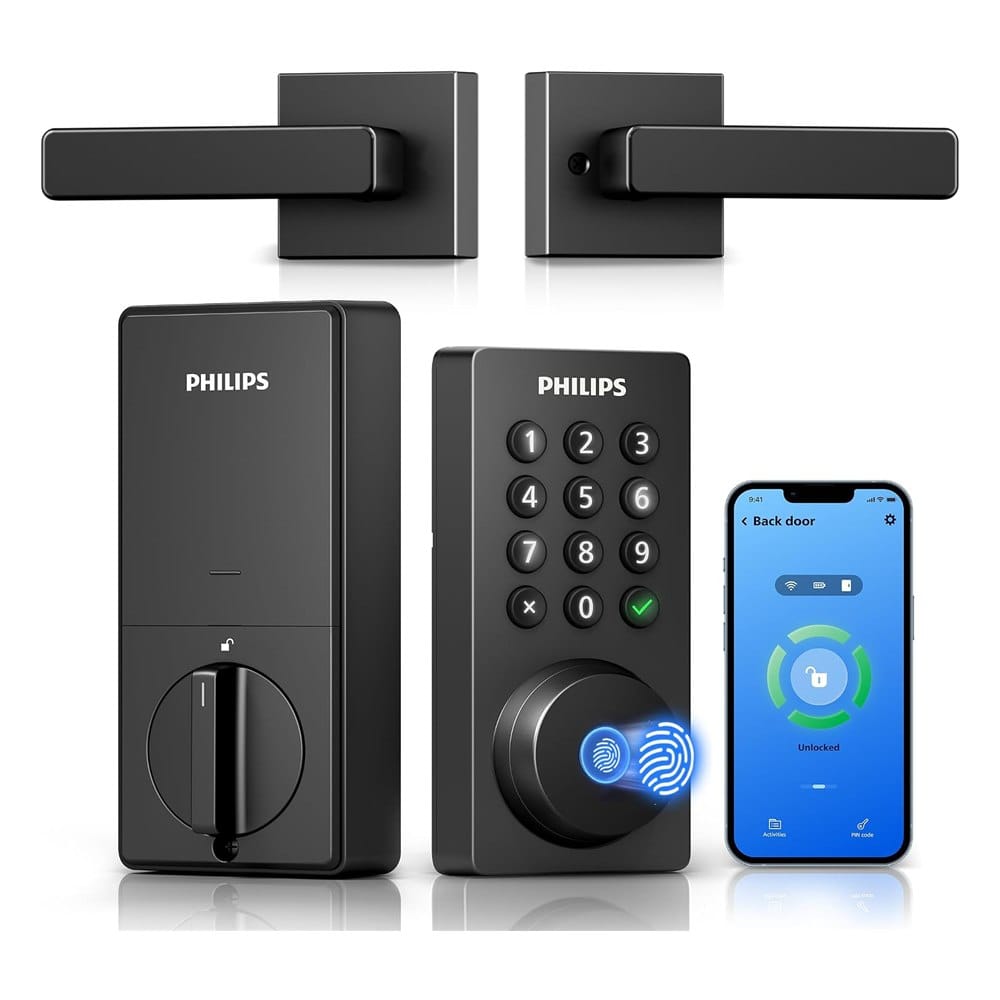
4. Philips WiFi Keypad Deadbolt with Handle
Best for: replacing a whole door set (lock and handle) at a lower price.
The Philips 4200 series comes with a deadbolt and a handle, and it connects directly to 2.4 GHz Wi-Fi with no hub. It has 881 reviews and a 4.4 star average.
What makes it stand out: It has a fingerprint reader the listing says works in 0.3 seconds, supports permanent, one-time and recurring PIN codes, and works with Alexa and Google Assistant. Auto-lock can be set from 0 to 180 seconds.
Good to know: Batteries are not included, and Philips says to use standard alkaline only. Auto-lock is off by default, so turn it on in the app. Keep the lock within about 33 feet of your router.
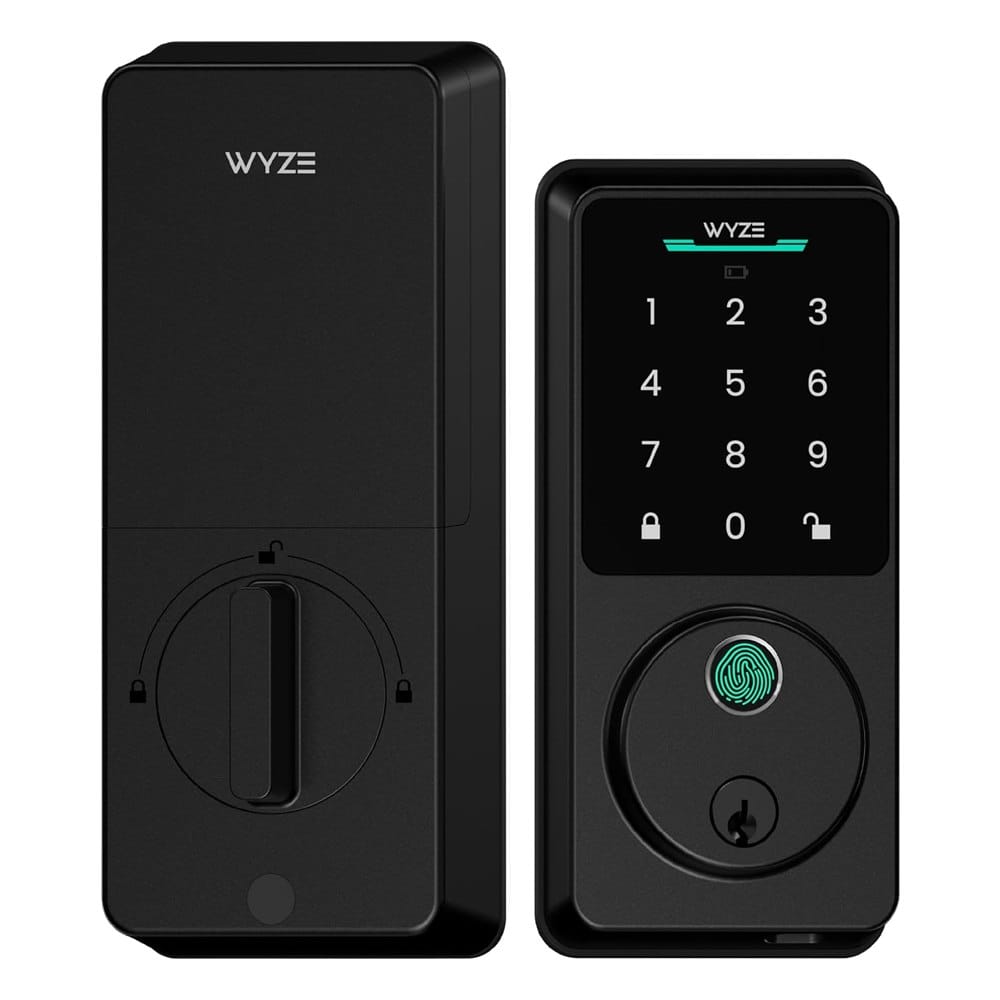
5. Wyze Auto-Lock Bolt v2
Best for: budget buyers and people who already use Wyze cameras or a Wyze doorbell.
The Bolt v2 is a Wi-Fi fingerprint deadbolt with an anti-peep keypad and a 4.5 star average. It has fewer reviews than the others (about 690), since it's newer.
What makes it stand out: It has a USB-C port, so if the batteries die you can power it from a power bank. It includes 8 AA batteries, which Wyze says last up to 8 months. The AI scanner is meant to get more accurate over time, and you can unlock from a Wyze Video Doorbell's live feed.
Good to know: The smallest track record on this list, so we'd want to see how it holds up after a year. You get the best features if you're already in the Wyze ecosystem.
Before You Buy: A Quick Install Check
- Measure your door thickness and backset (the distance from the door edge to the center of the hole).
- Check that your router's signal reaches the front door. A phone with one bar there means a weak lock connection.
- Buy fresh brand-name AA batteries. Cheap ones can cause low-battery alerts early.
- Keep your physical key somewhere safe or hide a spare with a neighbor.
- Set up auto-lock and give each person their own code so you can see who came in.
Already thinking about the rest of the house? See our guide to smart thermostats without a C-wire and our home security picks for doors, cameras and alarms.
Frequently Asked Questions
What is the best smart lock for a front door?
Are smart locks safe from hackers?
What happens to a smart lock when the power or Wi-Fi goes out?
Do I need a hub for a Wi-Fi smart lock?
Keep Reading
- Smart locks for vacation rentals
- Home security items for doors, cameras and alarms
- Smart thermostats that work without a C-wire
Final Thoughts
We'd buy the Schlage Encode. It has the top security rating, over 16,000 reviews and no hub requirement. If you want fingerprint entry and Matter, the ULTRALOQ Bolt SE is the pick, and the eufy C220 is the easy install for people who already use eufy.
The Philips is the one to get if you want to replace the lock and handle together, and the Wyze is the budget option for a Wyze household. Measure your door first, and the rest is easy.
Disclosure: This post contains affiliate links. As an Amazon Associate I earn from qualifying purchases. Here's how we pick products.