

You upgrade your graphics card, fire up a shooter, and the game still feels sluggish because your old 60Hz screen can't keep up. The monitor is often the weakest link in a gaming desk, and Acer sells a lot of them across a wide range of sizes and budgets.
Here are the 5 best Acer gaming monitors in 2026, ranked by Amazon stars and review counts. They run from a 24-inch 1080p screen to a 34-inch ultrawide. We didn't test them ourselves. We read the listings and the reviews so you can match the screen to your desk and your PC. Check the current price on Amazon, since monitor prices move a lot.
What to Look For in an Acer Gaming Monitor
Resolution and size. 1080p is fine at 24 inches. At 27 to 32 inches, 1440p (WQHD) looks much sharper. A 34-inch ultrawide uses 3440 x 1440 and needs a stronger graphics card.
Refresh rate. 144Hz and up makes motion smoother, but only if your PC can push that many frames. Console players on PS5 or Xbox Series X should check what refresh rate and resolution the monitor supports over HDMI.
Panel type. IPS panels have better colors and wider viewing angles. VA panels have deeper blacks and usually a curve, but can smear dark scenes a little.
Ports. Make sure it has DisplayPort for high refresh rates on PC and enough HDMI ports for your console. Some of these older models also keep a DVI port you probably won't use.
Stand adjustments. Several of these only tilt. If you want height adjustment, check the listing or plan on a VESA arm. If you're still choosing between brands, our MSI gaming monitor picks and white gaming monitor guide are worth a look.
The 5 Best Acer Gaming Monitors in 2026
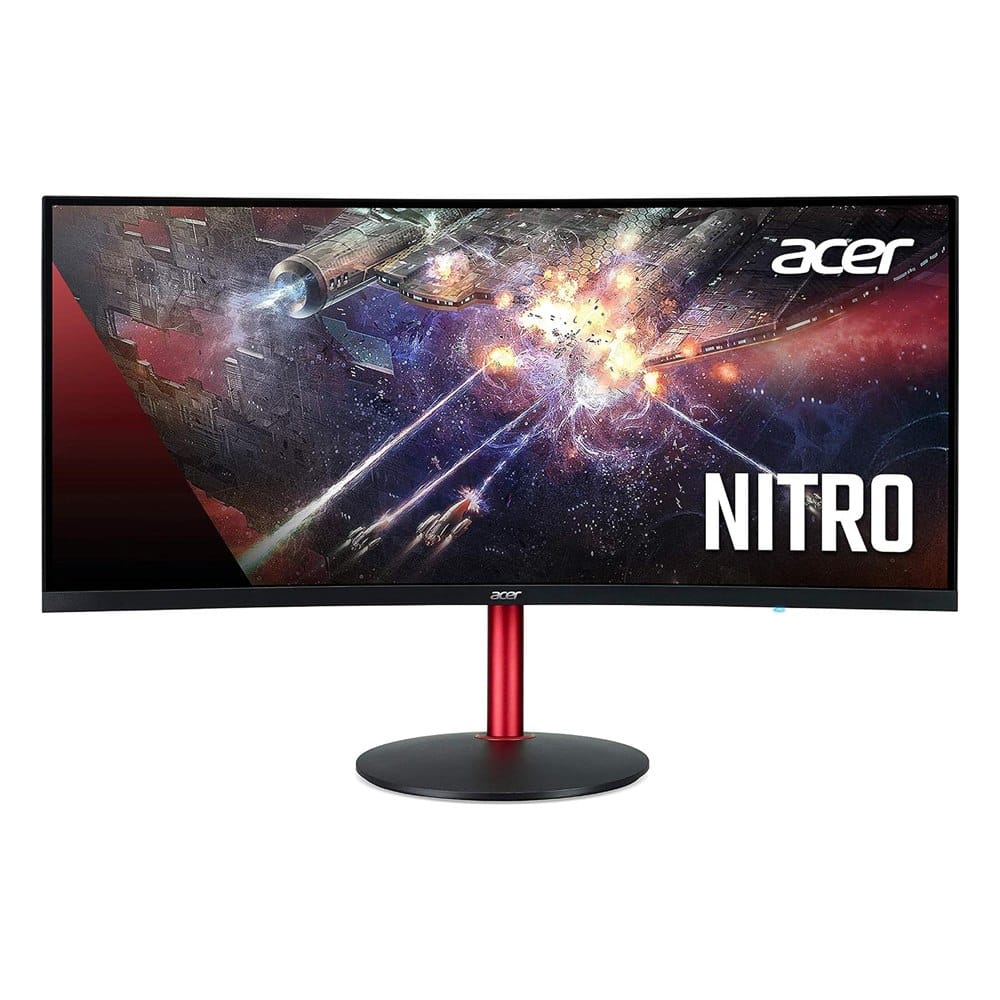
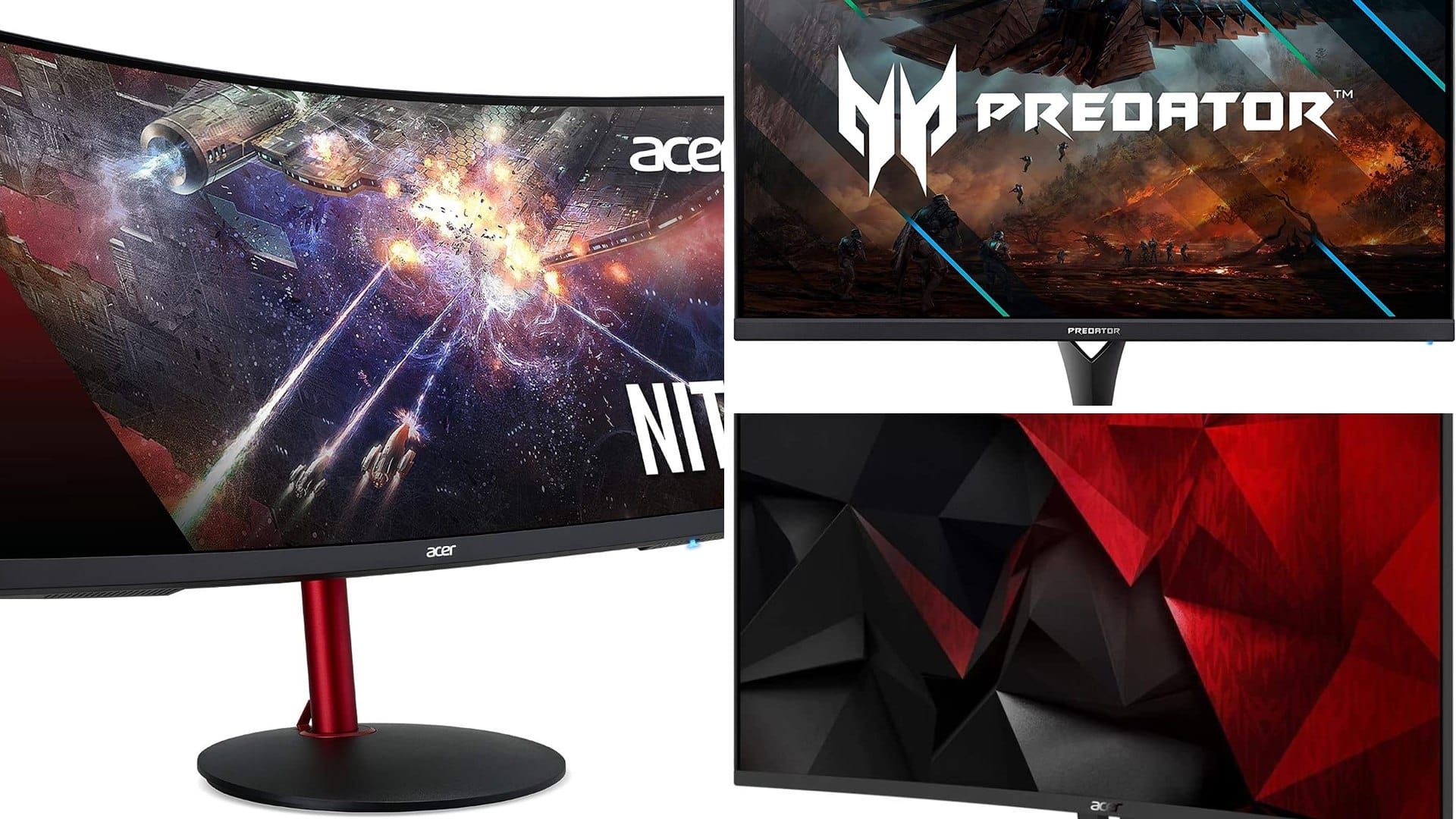
1. Acer Nitro XZ342CK 34" Curved WQHD Ultrawide (144Hz)
Best for: players who want an immersive ultrawide for racing and open-world games.
This is a 34-inch, 1500R curved VA monitor with a 3440 x 1440 resolution, a 144Hz refresh rate and AMD FreeSync. It has VESA DisplayHDR400, covers 95% of sRGB, and comes with one DisplayPort and two HDMI 2.0 ports. It's the most reviewed monitor on this list, with about 1,370 reviews at 4.4 stars.
What makes it stand out: The ultrawide shape fills your field of view, and the 1ms (VRB) response time keeps fast scenes clean. One screen can replace a two-monitor setup.
Good to know: Ultrawide needs desk depth and a graphics card that can handle 3440 x 1440. Some games don't support the wide aspect ratio. DisplayHDR400 is a basic HDR tier, so don't expect a dramatic HDR image.
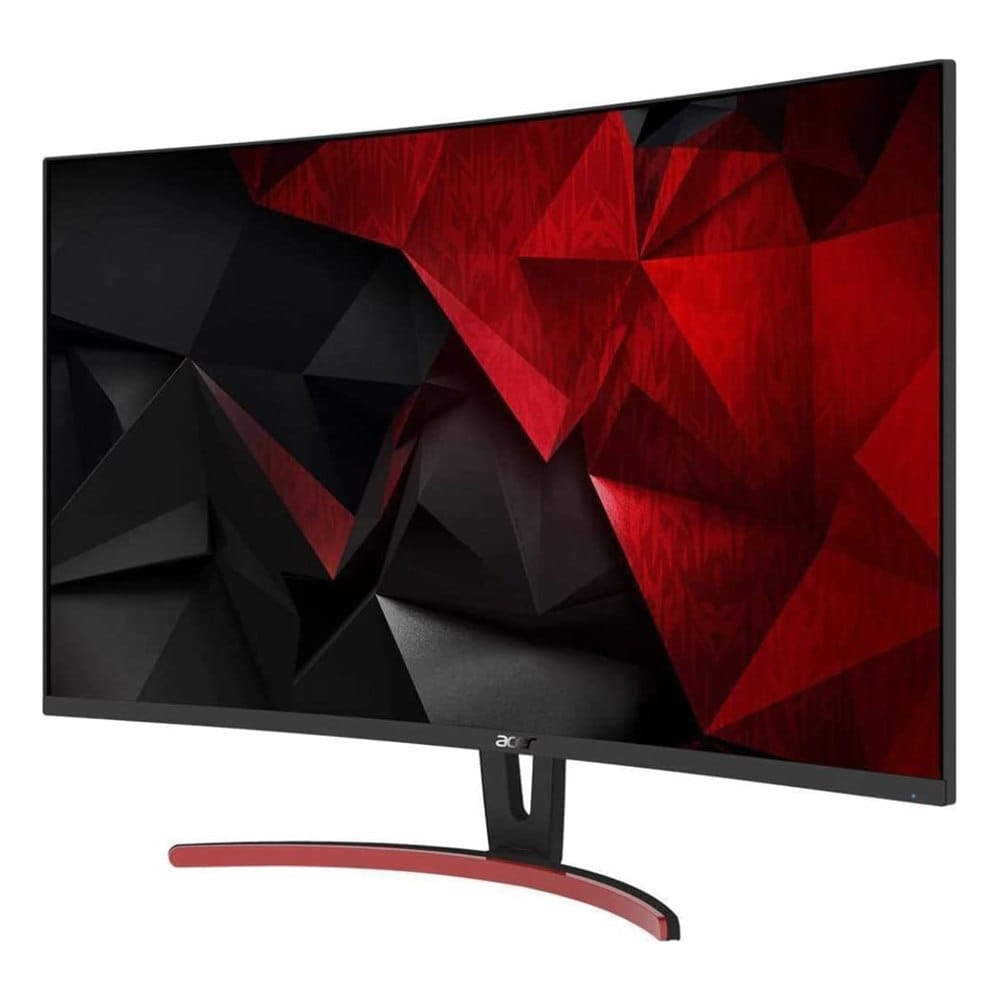
2. Acer ED323QUR 31.5" Curved WQHD (144Hz)
Best for: a big, sharp screen for single-player games and everyday work.
A 31.5-inch, 1800R curved VA monitor at 2560 x 1440, with AMD FreeSync, a 144Hz refresh rate over DisplayPort and a 4ms response time. It has DisplayPort, HDMI and DVI inputs. It has about 1,299 reviews at 4.3 stars.
What makes it stand out: You get a large 1440p screen with a gentle curve and a thin frame. It's a good fit if you want one monitor for gaming, movies and spreadsheets.
Good to know: It's an older model, and the stand has limited adjustment. 4ms is fine for most players but slower than the IPS options here, so competitive shooter fans may prefer another pick.
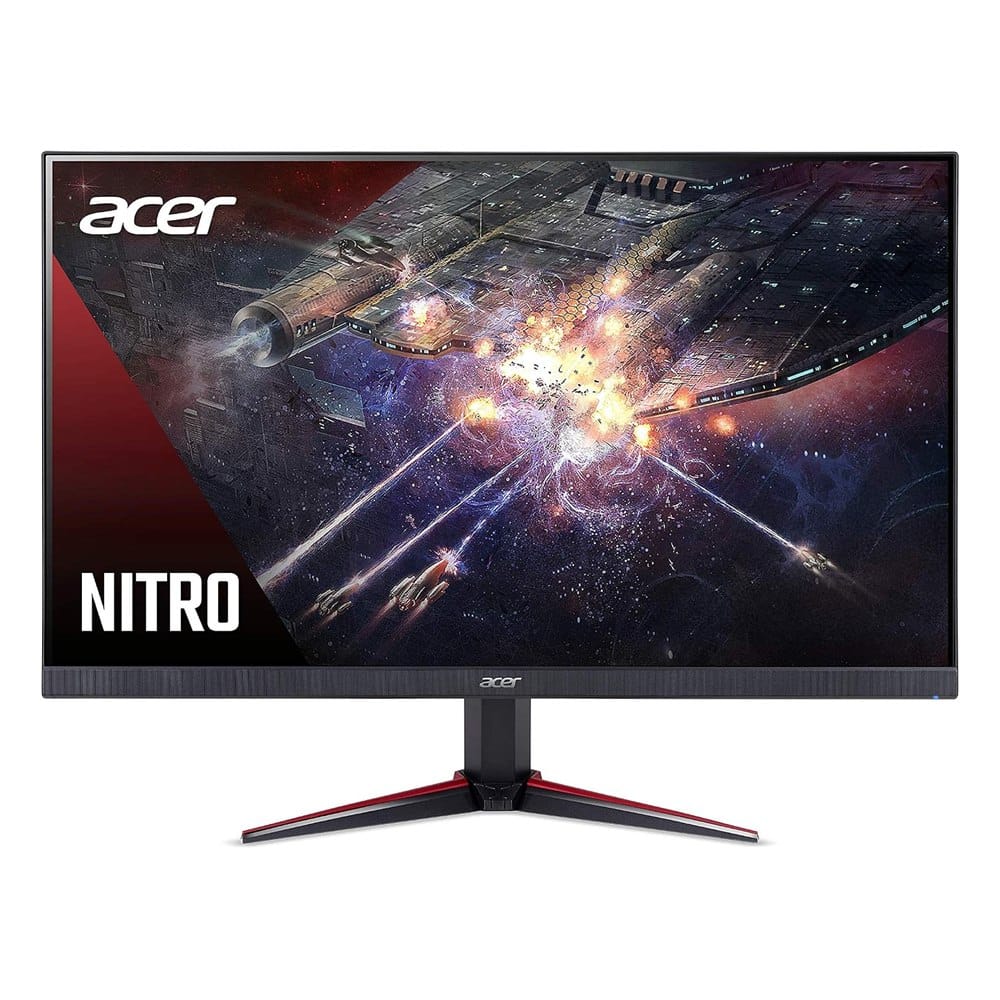
3. Acer Nitro VG240Y 23.8" Full HD IPS (165Hz)
Best for: esports players and small desks.
A 23.8-inch 1080p IPS panel with a 165Hz refresh rate, up to 0.5ms response time, AMD FreeSync and 99% sRGB. It has one DisplayPort 1.2 and two HDMI 2.0 ports. About 336 reviews at 4.4 stars.
What makes it stand out: IPS color and wide viewing angles on a small, fast screen. The refresh rate is high enough for competitive play, and 1080p is easy on a mid-range graphics card.
Good to know: At 24 inches and 1080p it's best for close-up desk use. If you sit far back or want more screen, step up to one of the larger models.
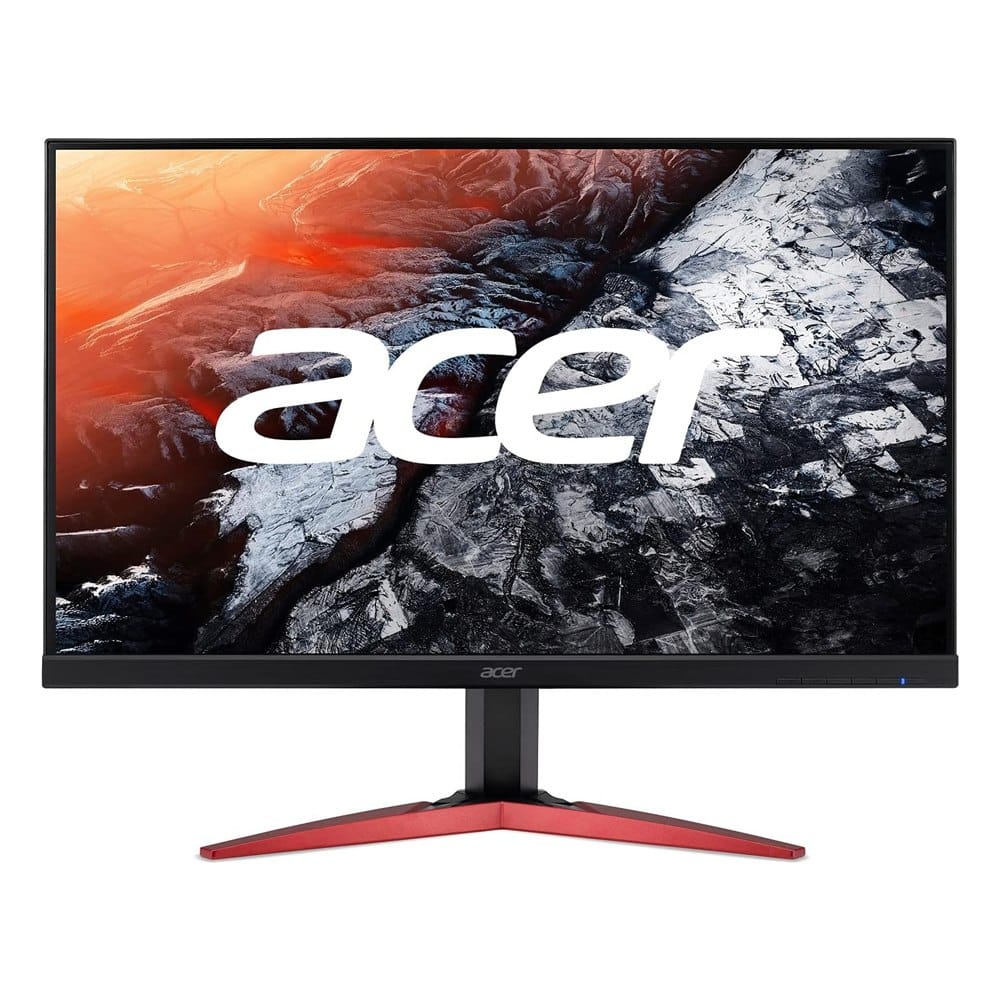
4. Acer KG251Q 24.5" Full HD (165Hz)
Best for: a budget-friendly fast screen for a first gaming setup.
A 24.5-inch 1080p monitor with AMD FreeSync, up to 165Hz, up to 0.6ms response time and a zero-frame design. It includes two 2-watt speakers and has DisplayPort, HDMI and DVI inputs. It has the highest rating of the five at 4.6 stars, from about 145 reviews.
What makes it stand out: Fast for the money, with a thin bezel that looks good on a two-monitor desk.
Good to know: The built-in speakers are tiny, so plan on headphones or a speaker. The review count is smaller than the others, so the rating is less settled.
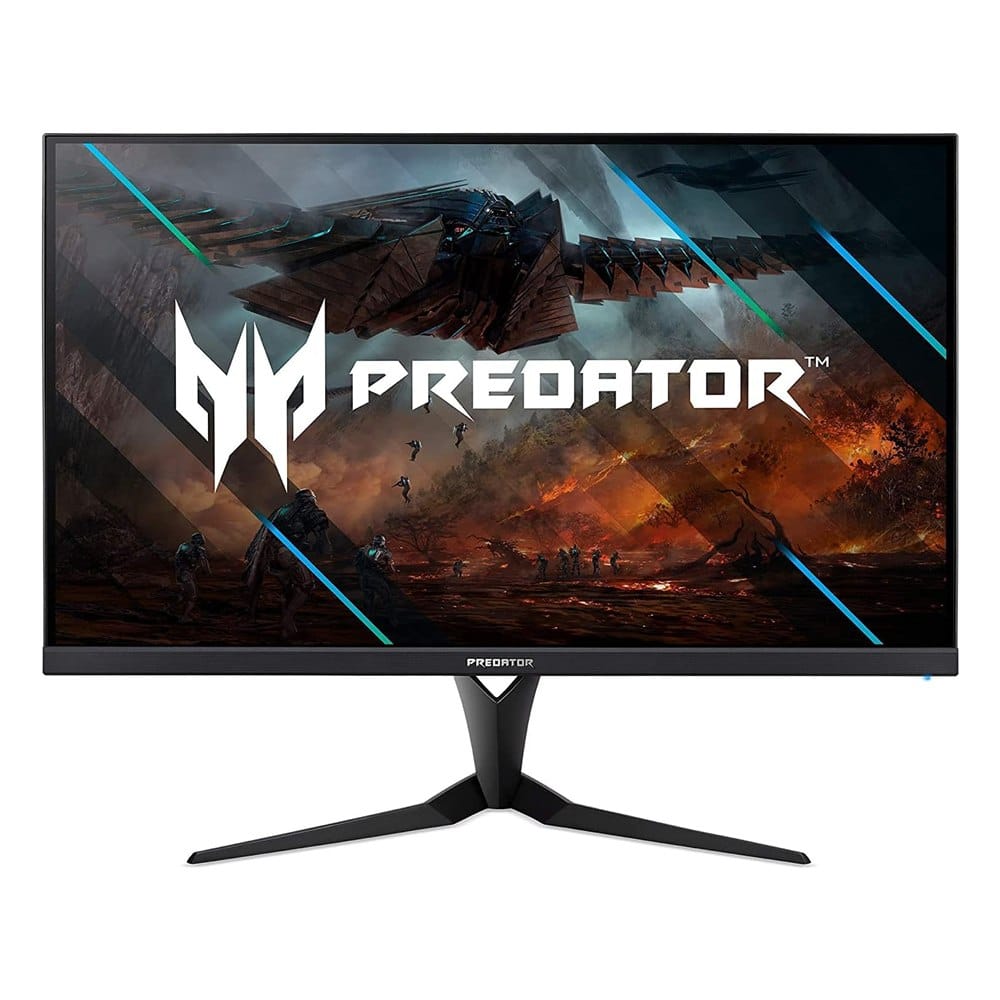
5. Acer Predator XB323U GX 32" WQHD IPS (270Hz, G-SYNC Compatible)
Best for: PC gamers who want the fastest and best-looking Acer here.
A 32-inch 2560 x 1440 IPS monitor with up to 270Hz, up to 0.5ms response time, NVIDIA G-SYNC Compatible and DisplayHDR600. It has one DisplayPort, two HDMI ports and four USB 3.0 ports. It's the premium model on this list, but only has about 42 reviews at 4.0 stars.
What makes it stand out: It's the only one here with DisplayHDR600 and a USB hub, and the 270Hz refresh rate is the highest. IPS color is a step up for games and photo work.
Good to know: The review count is low and the 4.0 rating is the lowest of the five, so read recent reviews first. You need a powerful PC to use 270Hz at 1440p, and it costs the most of the group.
How to Set Up an Acer Gaming Monitor
- Use the DisplayPort cable for PC gaming. HDMI often caps the refresh rate lower.
- Open Windows display settings, then Advanced display, and pick the top refresh rate. Many monitors ship set to 60Hz.
- Turn on FreeSync or G-SYNC in your graphics card settings.
- Check the monitor's overdrive setting. A middle setting usually gives clean motion without ghosting.
- Console players: turn on the monitor's HDMI mode and set the console to 1440p or 1080p to match the screen.
For sound, a desk speaker bar is an easy upgrade. See our computer soundbar picks.
Frequently Asked Questions
What is the best Acer gaming monitor?
What is the best Acer gaming monitor for PS5?
Is a curved Acer gaming monitor worth it?
Is 144Hz or 165Hz better for gaming?
Keep Reading
- MSI gaming monitor picks for 1080p, 1440p and ultrawide
- White gaming monitors, 24-inch to QHD
- Portable monitors for a laptop
Final Thoughts
If we had to pick one, we'd go with the Acer Nitro XZ342CK. It has the most reviews, a big ultrawide screen and a 144Hz refresh rate, and it can replace two monitors on one desk.
Pick the ED323QUR if you want a big 1440p screen without going ultrawide. Pick the Nitro VG240Y or KG251Q for a fast, compact esports screen, and the Predator XB323U if you have a strong PC and want 270Hz with HDR600.
Disclosure: This post contains affiliate links. As an Amazon Associate I earn from qualifying purchases. Here's how we pick products.