


It's 11 PM, your guest just landed, and the key you left in the lockbox is the wrong one. Or worse, they never got the text. That's the day you start shopping for a smart lock for your vacation rental. The right one gives each guest their own code, tells you when the door opens, and lets you fix a problem from your phone. We went through the specs and the reviews. Here are the 5 best smart locks for a vacation rental in 2026.
What to Look For in a Smart Lock for a Vacation Rental
Built-in Wi-Fi. A Bluetooth-only lock means you have to stand near the door to change a code. For a rental you manage from far away, you want Wi-Fi in the lock itself (or a bridge that's included).
A keypad for guests. Guests shouldn't have to install an app. A keypad lets you text them a code that works only for their stay. Fingerprint is a bonus for you, not for them.
Plenty of codes and a log. You want enough code slots for guests, cleaners and maintenance, plus a history showing who came in and when.
Battery life and a backup plan. Most of these run on AA or CR123 batteries and last months. Check what happens when they die: a backup key, a USB-C jump, or both.
Door fit. Measure your door thickness and bore hole before you order. Some locks replace the whole deadbolt, and some only replace the inside half. Also check that the lock works with your booking software if you want codes to be sent automatically.
The 5 Best Smart Locks for a Vacation Rental in 2026
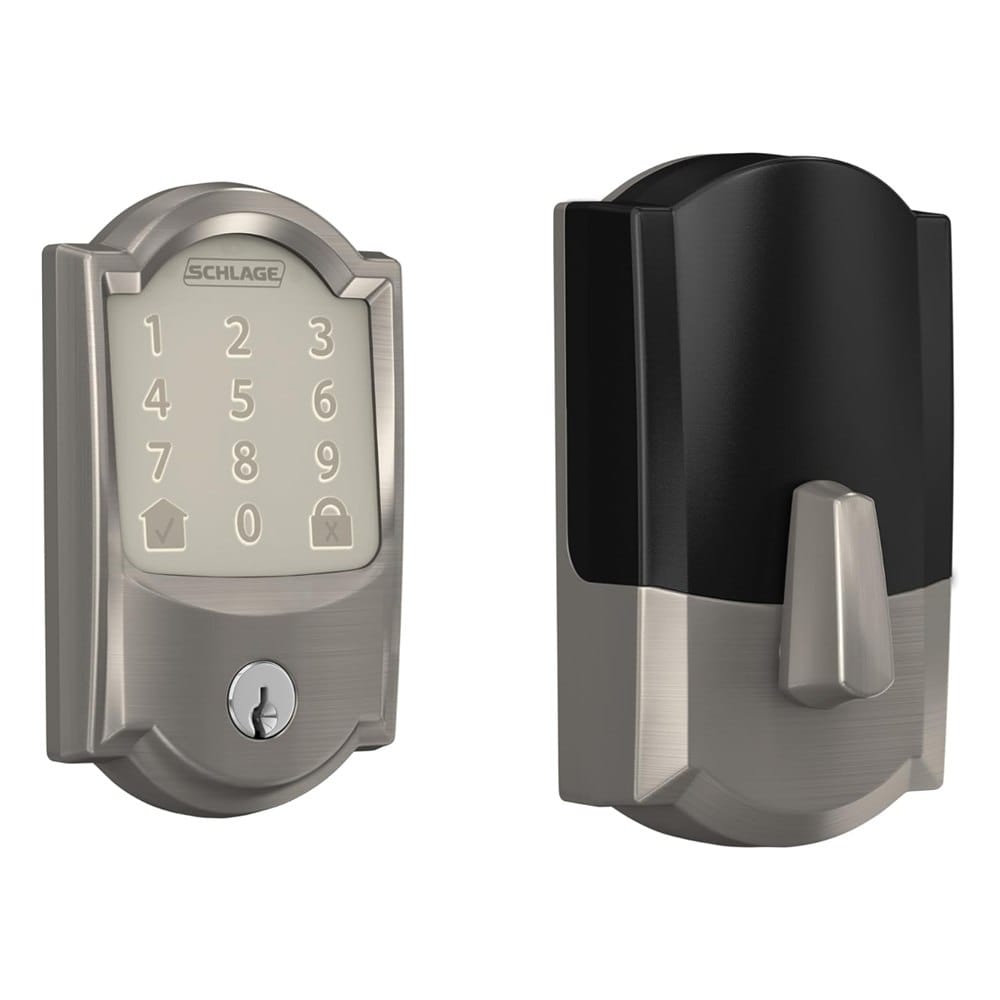
1. Schlage Encode Smart WiFi Deadbolt
Best for: hosts who want the most proven lock and don't mind paying for it.
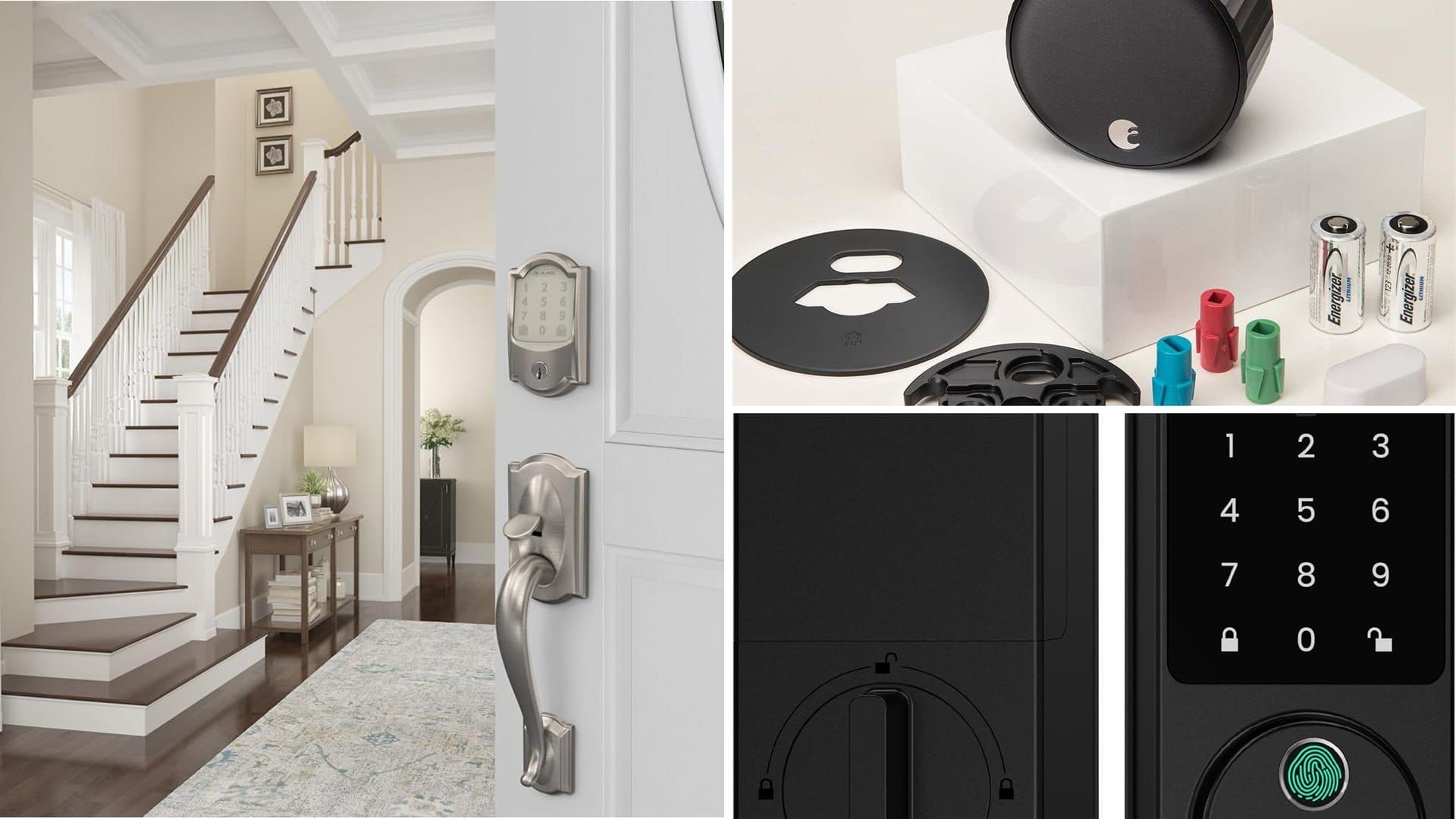
The Schlage Encode is a full deadbolt with a touchscreen keypad and Wi-Fi built in, so there's no hub to buy. It has more than 16,000 ratings at 4.3 stars, which is the biggest pile of real-world feedback on this list.
What makes it stand out: It stores up to 100 access codes, works with Alexa, Google Home and Ring, and the listing says it's Airbnb compatible. The listing also shows top marks on BHMA security, durability and finish tests. Warranty is lifetime on the mechanical parts and finish, and three years on the electronics.
Good to know: It's the most expensive lock here. Keep spare batteries in the property.
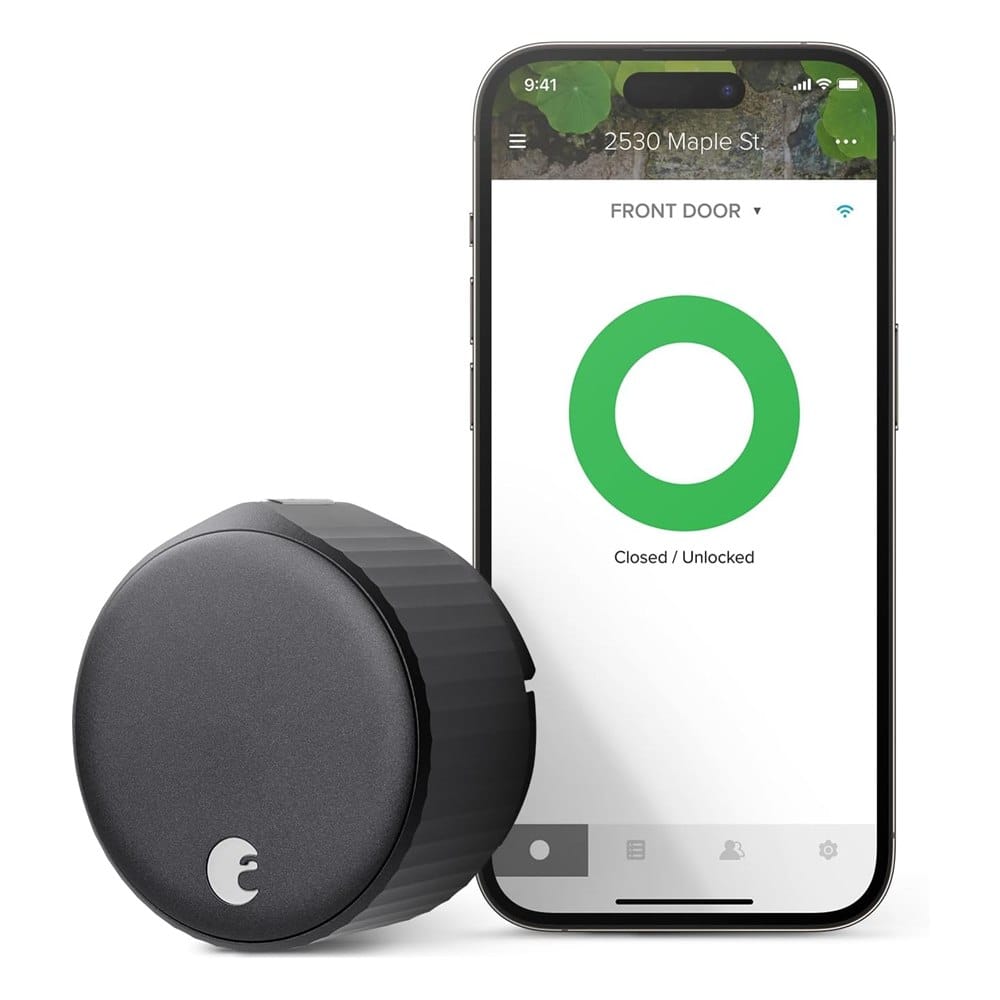
2. August Wi-Fi Smart Lock (4th Gen)
Best for: hosts who want to keep the existing deadbolt, keys and outside hardware.
The August only replaces the inside half of your deadbolt. From the outside, the door looks the same, and your old keys still work. It has Wi-Fi built in, and the listing says it installs in about 10 minutes with a screwdriver.
What makes it stand out: The door sensor tells you whether the door is open or just not locked, and the lock can auto-lock when the door closes. It works with Alexa, Google Assistant and Apple HomeKit.
Good to know: There's no keypad on the lock itself. Guests get access through the app or a separate keypad, and that's an extra cost. It's the one to skip if you want to text a simple door code and be done.
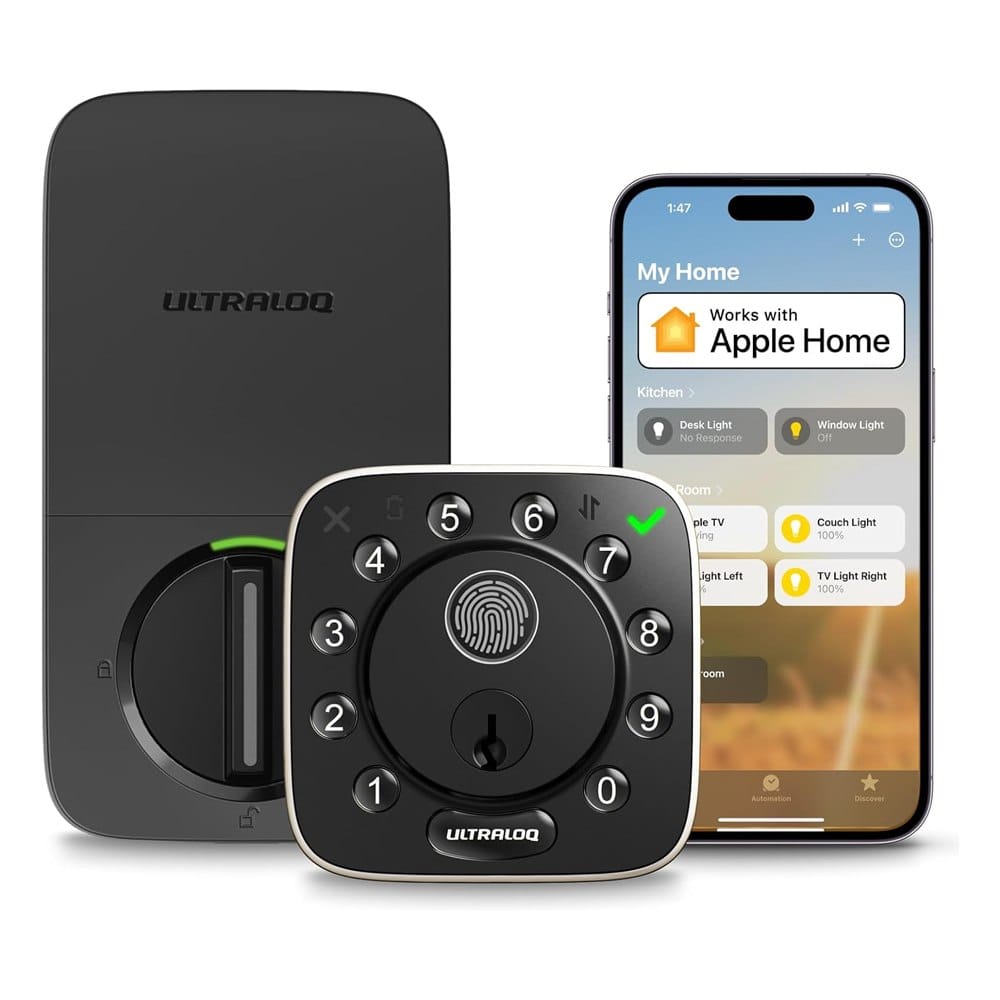
3. ULTRALOQ Bolt Fingerprint WiFi Smart Lock
Best for: hosts who want a keypad, fingerprint and Wi-Fi in one lock, with lots of smart home support.
This one has a numbered keypad, a fingerprint reader and Wi-Fi in a single lock, plus a door sensor. It's BHMA certified and the listing claims about 10 months of battery life on 8 AA batteries.
What makes it stand out: You can send access codes from anywhere and see a log of who used the door. It works with Apple Home, Alexa, Google Home and SmartThings. At 4.2 stars from over 2,500 reviews, it has a lot of feedback behind it.
Good to know: Fingerprints don't help your guests, so you're paying for a feature you mostly use for yourself and your cleaner. Ultraloq has other models that scored lower, so make sure you're buying this exact one.
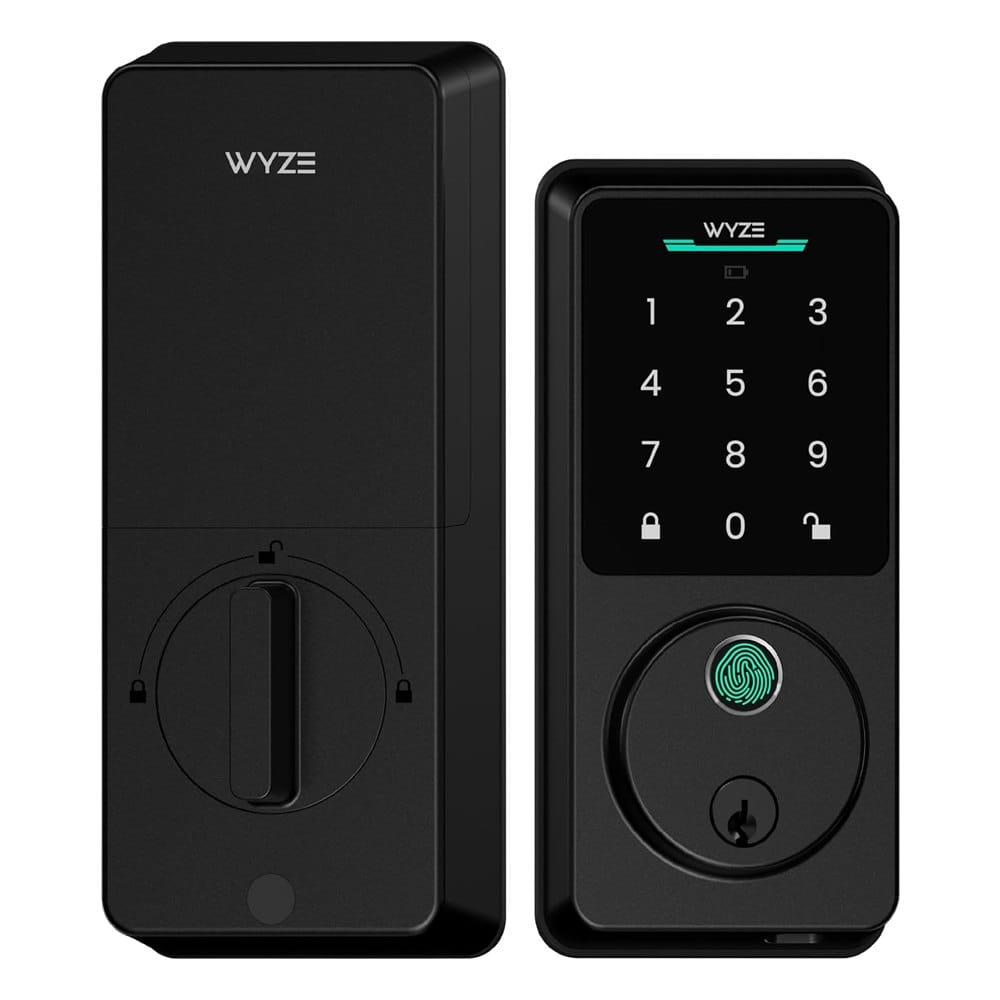
4. Wyze Auto-Lock Bolt v2
Best for: hosts on a budget who still want Wi-Fi, a keypad and good reviews.
It's the cheapest lock on this list and the highest rated, at 4.6 stars. You get a backlit keypad with 50 access codes, a fingerprint scanner, built-in Wi-Fi and an auto-lock timer. It's rated BHMA Grade 2 and IP53 for weather.
What makes it stand out: The value is hard to beat. If the 8 AA batteries die (Wyze says up to 8 months), you can plug a power bank into the USB-C port to open the door, and there's a backup key.
Good to know: It has fewer reviews than the others, since it's newer, and Grade 2 is a step below the top residential rating. For one property it's a fine place to start. For a whole portfolio, we'd want more track record.
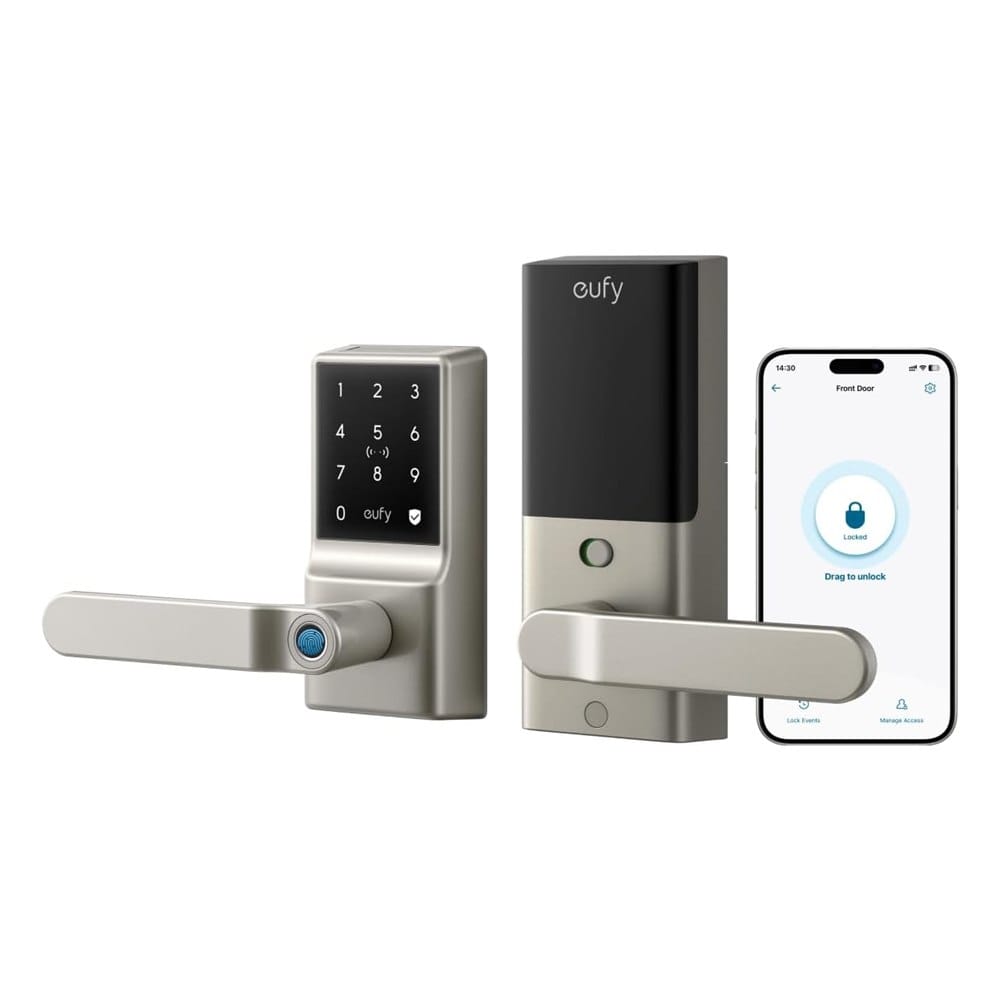
5. eufy Security Smart Lock C33 (Keypad)
Best for: hosts who want a lever-style lock they can install in about 15 minutes.
The C33 is a lever handle lock with a keypad and Wi-Fi built in, and it's rated IP53 for water. Eufy says it installs in about 15 minutes with no drilling, and the battery runs up to 12 months on 8 AA batteries.
What makes it stand out: You get remote access, a log of activity, and auto-locking. Installation is simple if your door matches the standard hole sizes.
Good to know: It's a handle, not a deadbolt, so check the compatibility chart on the listing before you buy. Eufy's fingerprint version of the C33 has a lower rating, so choose the keypad model linked here.
How to Set Up a Smart Lock for Guests
- Install the lock and connect it to Wi-Fi before you leave the property. Test it from the street.
- Make a permanent code for yourself and one for the cleaner. Keep them separate from guest codes.
- Create a code for each booking that starts at check-in and ends at checkout.
- Keep a physical backup key somewhere safe, like a lockbox, in case the Wi-Fi or batteries fail.
- Replace the batteries every few months, before the low-battery warning, not after.
If you already have a lock and just want more control, our guide to smart locks for Airbnb hosts covers a few more models.
Frequently Asked Questions
What's the best smart lock for a vacation rental?
Do smart locks need Wi-Fi for a vacation rental?
Can I send guests a door code automatically?
What happens if the batteries die?
Keep Reading
- More smart lock picks for Airbnb hosts
- Garage door opener keypads
- Craftsman garage door opener keypads
Final Thoughts
If we were buying for our own rental, we'd get the Schlage Encode (#1). It costs more, but it has the most reviews, built-in Wi-Fi, a real keypad and a solid warranty.
On a budget, get the Wyze (#4). Want to keep your existing deadbolt and keys? The August (#2). Want a fingerprint reader too? The ULTRALOQ (#3). Need a quick install on a lever door? The eufy (#5). We didn't test these ourselves, so read recent reviews and check your door size before you order.
Disclosure: This post contains affiliate links. As an Amazon Associate I earn from qualifying purchases. Here's how we pick products.