


Your laptop freezes in the middle of a video call, and your boss is looking at a frozen face. A work-from-home laptop doesn't need to be fancy, but it does need enough memory, a decent webcam and a battery that lasts. This guide is for remote workers shopping for the best laptop for working from home in 2026, from budget Windows machines to a MacBook. We didn't personally test these. We compared specs, prices and review counts, and we dropped the old M1 MacBook pick because its listing no longer shows a price.
What to Look For in a Work-From-Home Laptop
Memory. 8GB is the minimum. 16GB is a lot better if you keep dozens of browser tabs and video calls open.
Storage. A 256GB SSD works for documents and cloud files. 512GB gives you breathing room.
Webcam and mics. You're on calls all day. Look for a 1080p webcam and a privacy shutter if you can.
Battery and weight. If you move between rooms or cafes, a light laptop with a good battery matters more than raw speed.
The 4 Best Laptops for Working From Home in 2026
1. Lenovo IdeaPad 3 15.6" Touchscreen Laptop
Best for: budget buyers who want a big screen and a touchscreen.
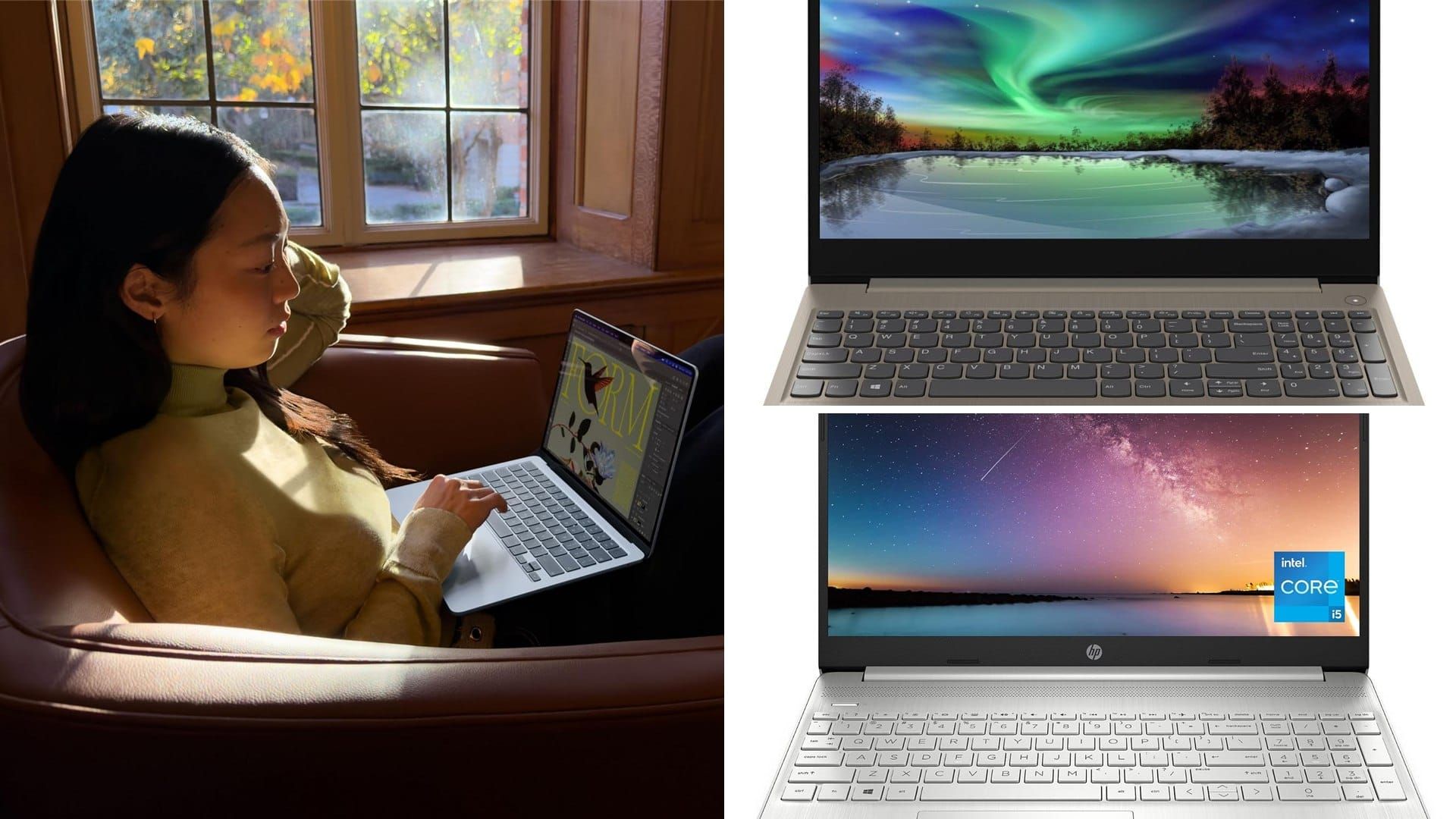
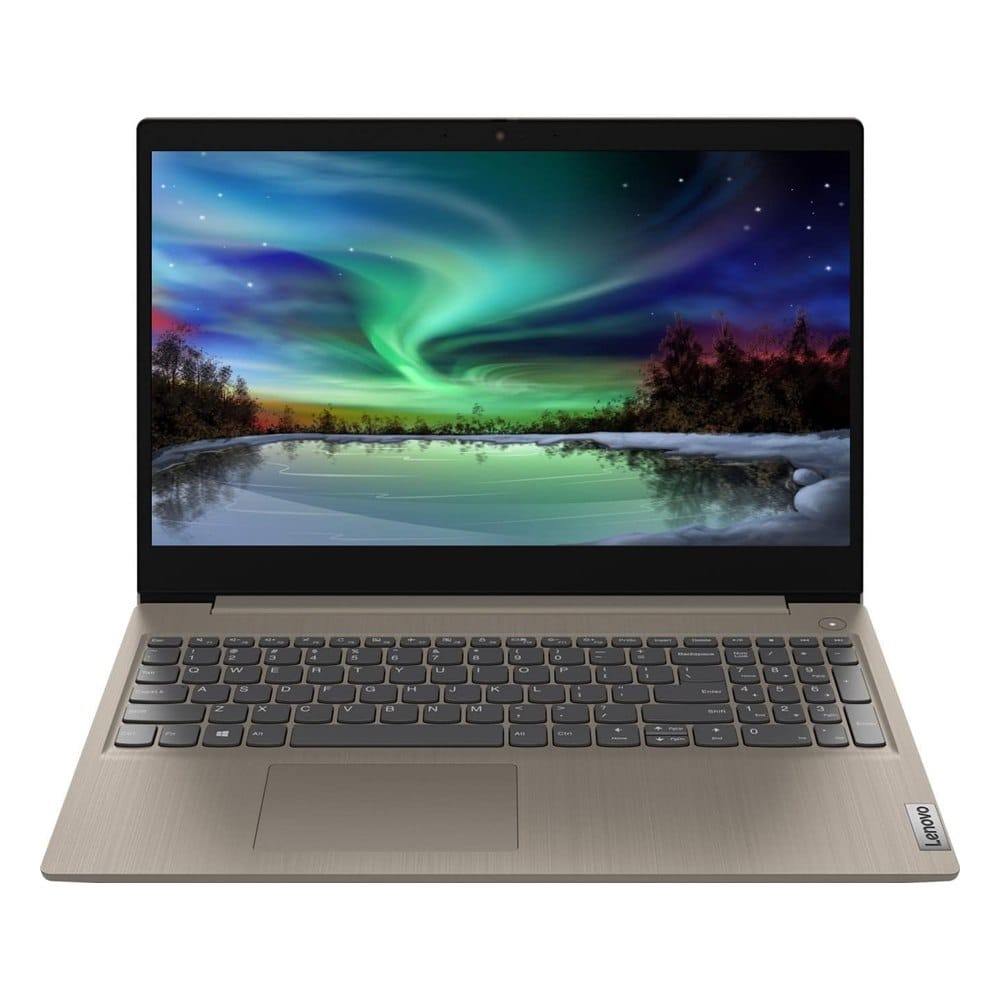
A 15.6 inch Windows laptop in an almond color, with a touchscreen and a numeric keypad.
What makes it stand out: It has the top score here, 4.3 stars from about 4,500 reviews. The listing shows a 15.6 inch HD touchscreen, an 11th Gen Intel Core i3, 8GB of RAM, a 256GB SSD, HDMI and a webcam, for about $475.
Good to know: It's an older 2022 model with an i3 chip, so it's fine for email, docs and calls, but not heavy multitasking. The screen is HD, not Full HD.
2. HP 15.6" Laptop, Intel Iris Xe, 11th Gen Core
Best for: a low-price laptop for email, web and calls.
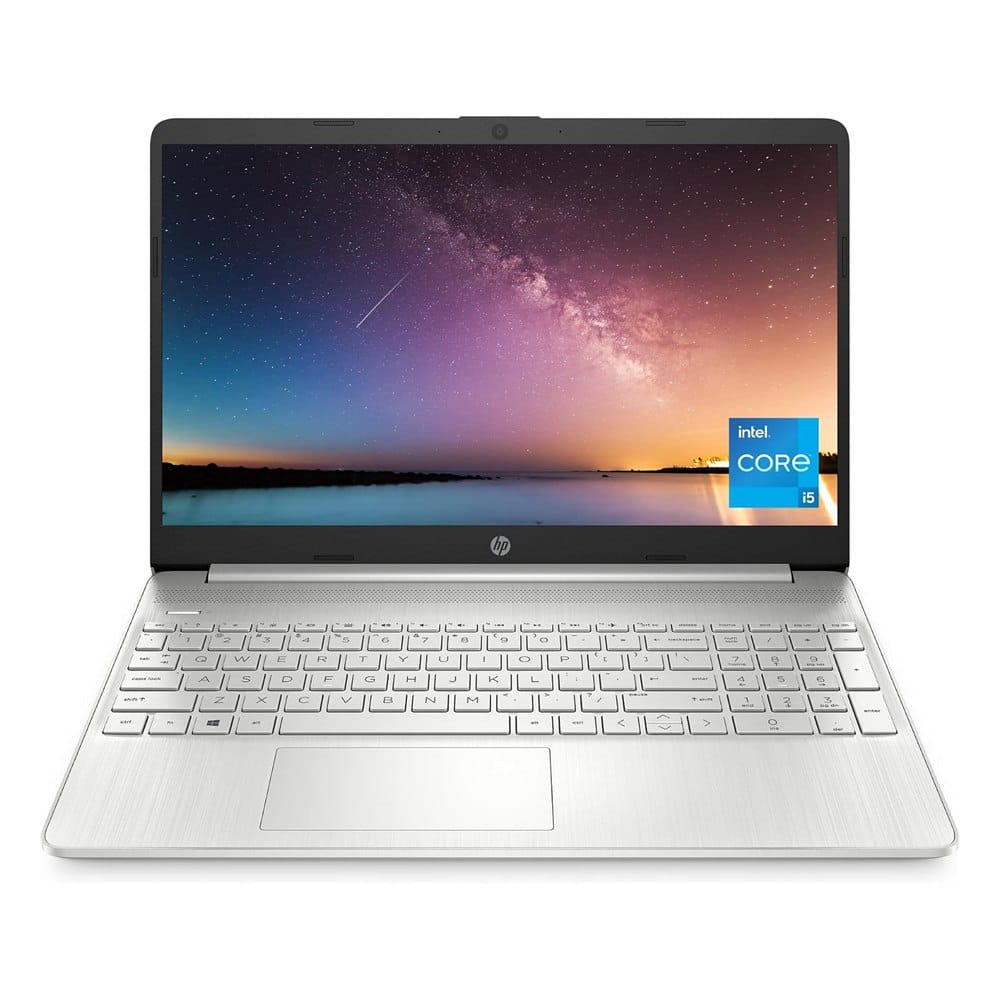
A silver 15.6 inch laptop with a thin bezel and a full-size keyboard.
What makes it stand out: It's the cheapest of the four at about $350, with an 11th Gen Intel Core processor, 8GB of RAM, a 256GB SSD and Windows 11 Home. 4.4 stars from about 3,300 reviews. The listing shows a HD webcam and dual microphones.
Good to know: It's a basic laptop with an older chip. Don't buy it for video editing.
3. Apple 2026 MacBook Air 13-inch with M5 Chip
Best for: people who want fast, quiet and long battery life.
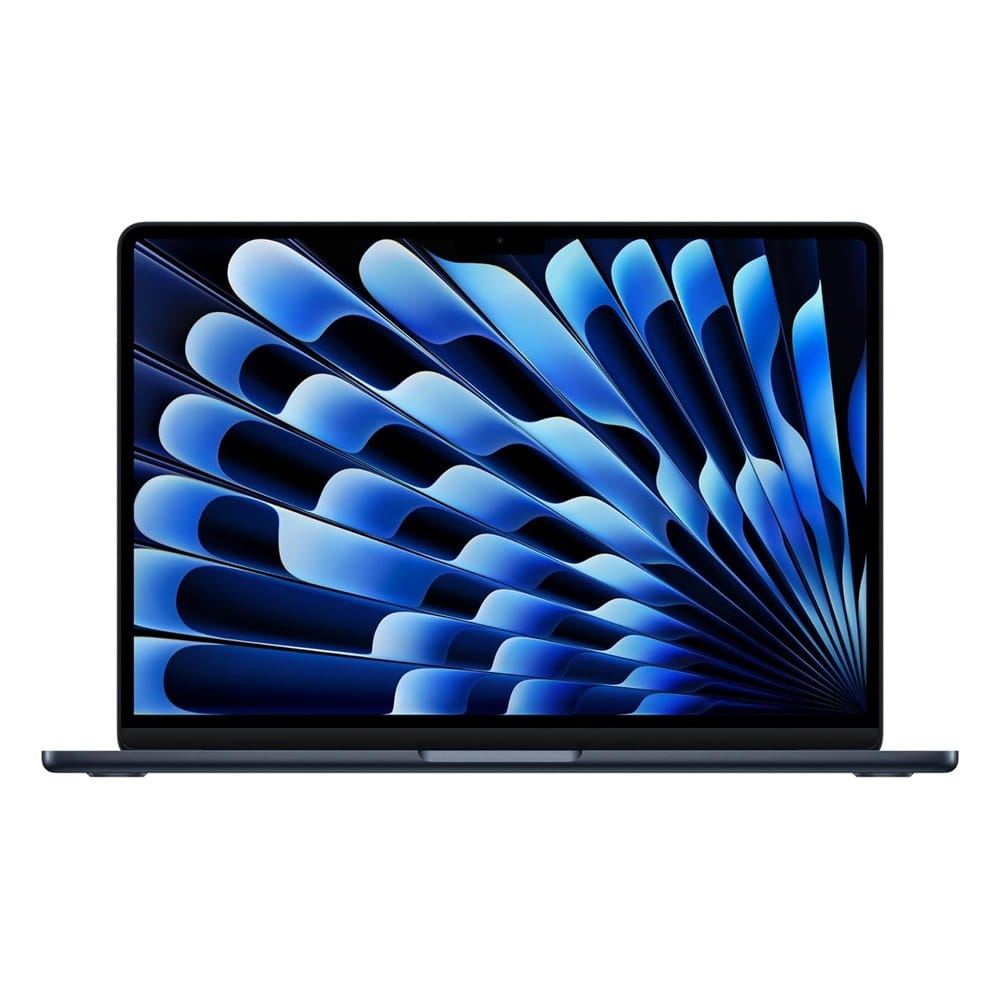
A thin 13.6 inch laptop in midnight, with Touch ID and Wi-Fi 7.
What makes it stand out: It has 16GB of memory, a 512GB SSD and a 12MP Center Stage camera, and the listing says up to 18 hours of battery life. 4.7 stars from about 1,350 reviews.
Good to know: It costs about $1,099, so it's the most expensive pick. It only has two ports, so you may need a dock for a monitor.
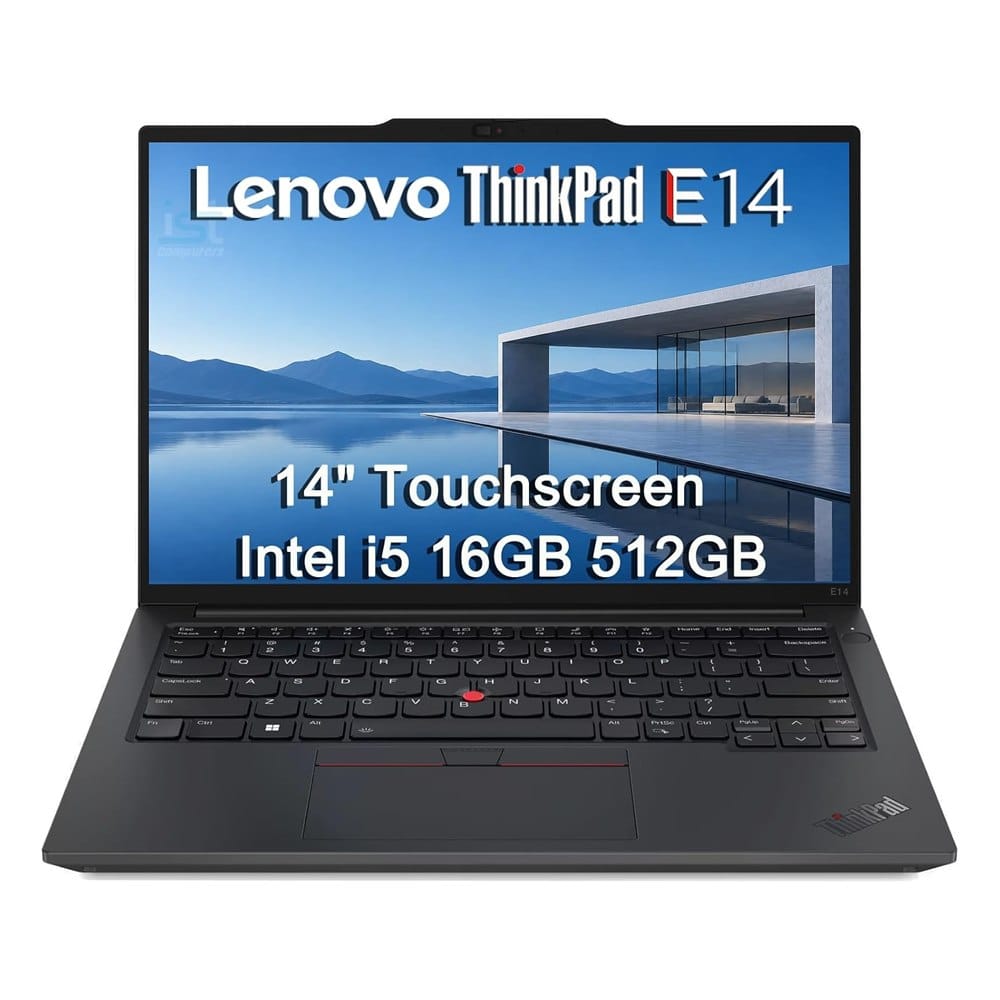
4. Lenovo ThinkPad E14 Business Laptop, i5, 16GB RAM
Best for: people who want a durable work laptop with a good keyboard.
A black 14 inch ThinkPad with a backlit keyboard and a fingerprint reader.
What makes it stand out: It has a 14 inch FHD+ touchscreen, an Intel Core i5-1335U, 16GB of RAM and a 512GB SSD, per the listing. It's thin and light, weighs about 3.1 lbs and has a fingerprint reader and a webcam privacy shutter. 4.5 stars.
Good to know: It has only about 140 reviews, and the listing is from a reseller, so check what comes in the box. It costs around $1,050.
How to Choose the Right Laptop for Your Job
- Write down what you do all day. Docs and email need little. Spreadsheets and many tabs need more.
- Pick your budget. Under $500 gets you the basics. $1,000 and up gets you speed and battery.
- Check the specs, not the name. Look at memory, storage and processor.
- Ask your employer. Some jobs need a specific operating system or give you a laptop.
Frequently Asked Questions
What is the best laptop for working from home with Microsoft Office?
What is the best laptop for working from home under $500?
How much RAM do I need to work from home?
Is a MacBook good for working from home?
Keep Reading
Final Thoughts
If we were buying for the long haul, we'd buy the MacBook Air M5. If you'd rather spend less, the Lenovo IdeaPad 3 has the best score and a touchscreen.
For a cheaper pick, the HP is the one. For a durable work laptop with a good keyboard, take the ThinkPad E14. Check the specs on the listing before you buy.
Disclosure: This post contains affiliate links. As an Amazon Associate I earn from qualifying purchases. Here's how we pick products.