
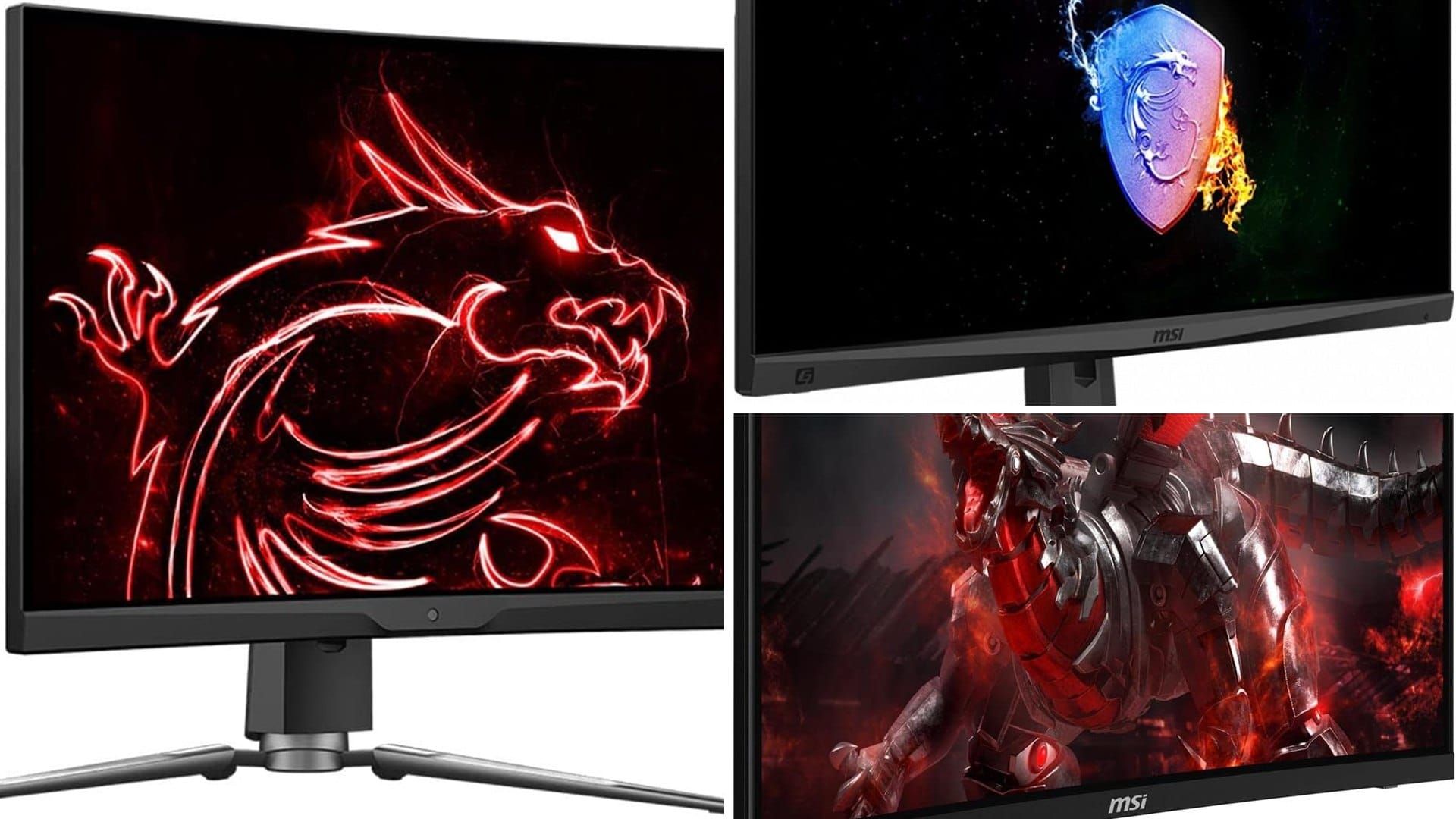



You've got a decent PC, and a 60Hz office monitor is holding it back. Fast games look smeary, and you can't tell if you're lagging or the screen is. An MSI gaming monitor fixes that at a price that won't hurt much. MSI sells everything from basic 24-inch 1080p screens to a 30-inch ultrawide with a 200Hz refresh rate. Here are the 5 best MSI gaming monitors in 2026, ranked by star rating and number of reviews.
We didn't test these ourselves. We read the listings and the review patterns. If you're comparing brands, see our Acer gaming monitor picks too.
What to Look For in an MSI Gaming Monitor
Refresh rate. 75Hz is a step up from office screens. 144Hz and up is where fast shooters feel much smoother. Your graphics card has to push those frames for it to matter.
Panel type. VA panels have deep blacks and a good price. IPS panels have better viewing angles and color. Both are fine for gaming.
Resolution and size. A 24-inch 1080p monitor is sharp for the size. A 27-inch screen looks better at 1440p (QHD). An ultrawide like the 30-inch 2560 x 1080 gives you a wider view of the game.
Curve. Many MSI monitors here are curved, which wraps the screen around your view. It's a taste thing, and some people don't like it for desk work.
Ports and sync. Check for DisplayPort and HDMI, and FreeSync or G-Sync compatibility. Those cut screen tearing if your graphics card supports them.
The 5 Best MSI Gaming Monitors in 2026
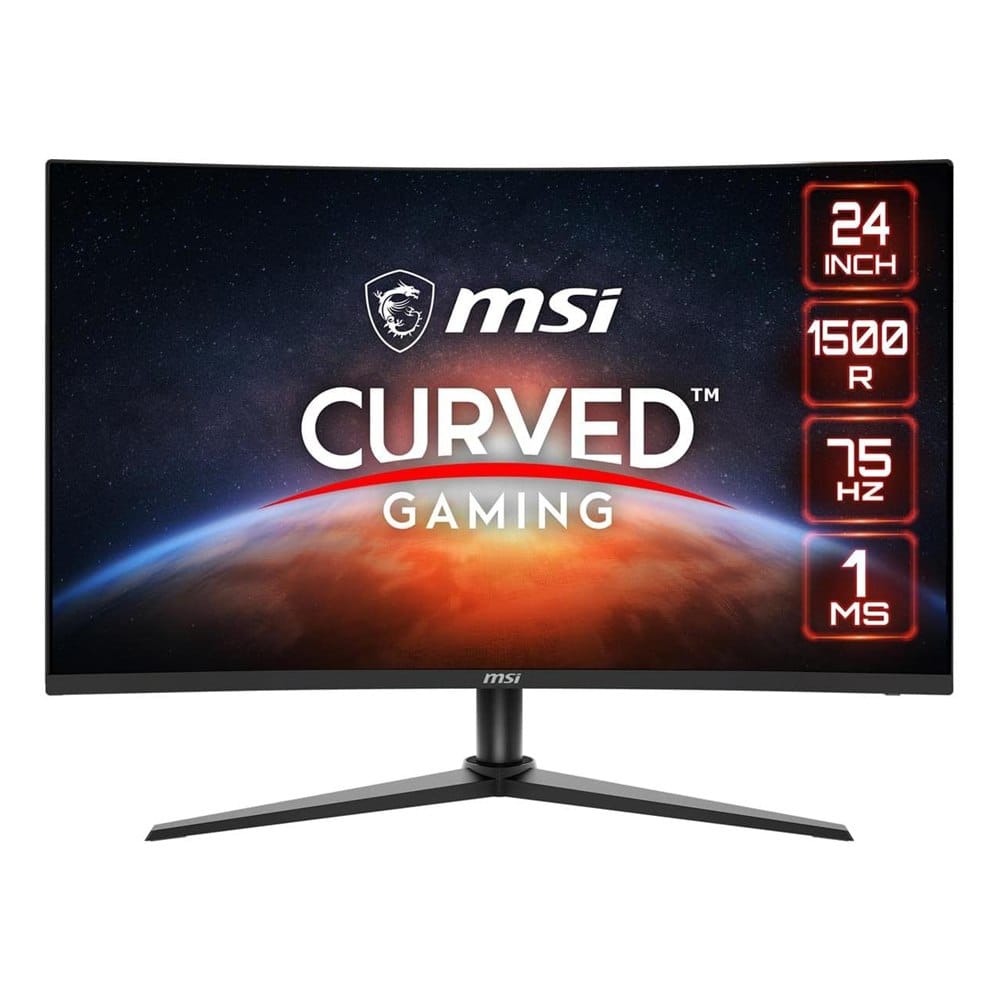
1. MSI G241VC 24-Inch Curved Gaming Monitor (FHD, 75Hz)
Best for: a first gaming monitor on a modest budget.
A 24-inch curved VA monitor at 1920 x 1080, with a 75Hz refresh rate, 1ms response time and FreeSync. The listing shows a tilt stand and VGA and HDMI ports. It has 4.6 stars from more than 2,000 reviews, the most on this list.
What makes it stand out: It has the best mix of rating and review count, and it's an easy upgrade from an office screen.
Good to know: 75Hz is the lowest refresh rate here, and there's no DisplayPort on the listing. If you want a fast shooter feel, look at the 144Hz models.
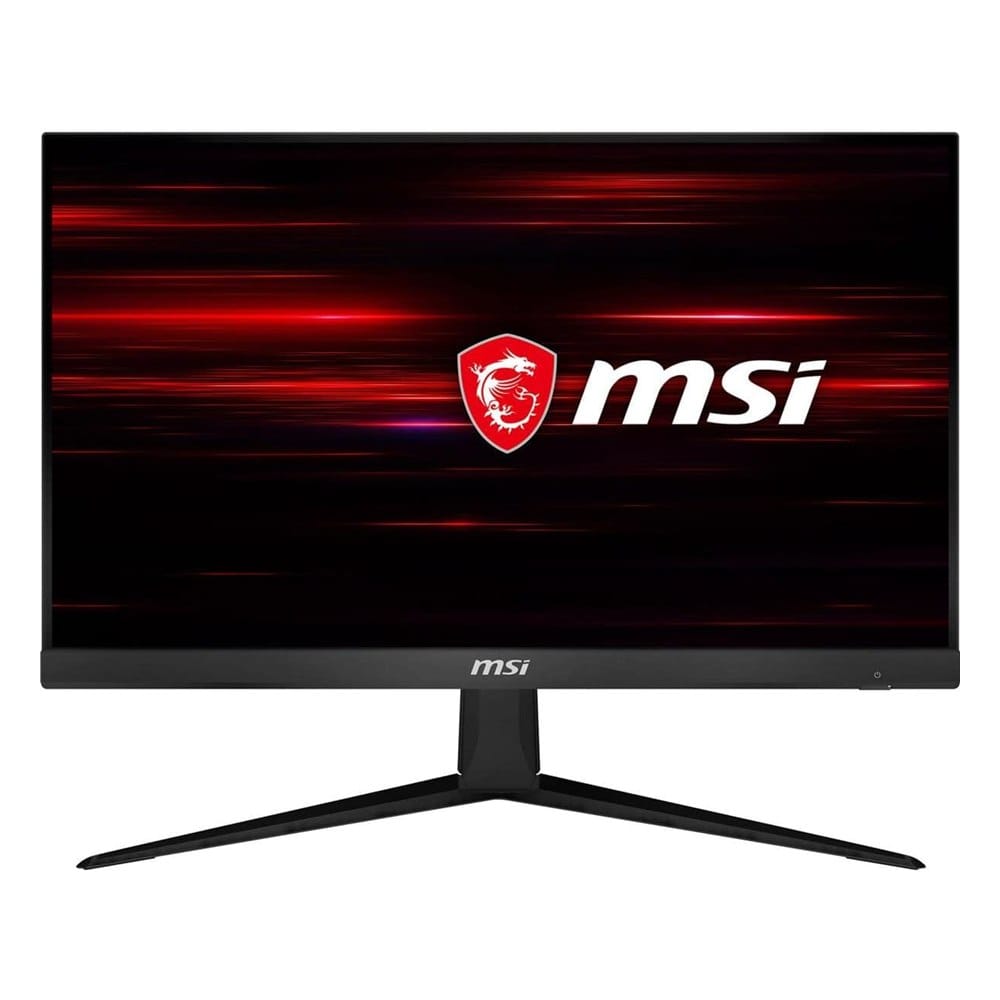
2. MSI G241 24-Inch Gaming Monitor (FHD, IPS, 144Hz)
Best for: fast games and good colors on a flat 24-inch screen.
A 24-inch flat IPS monitor at 1920 x 1080, with 144Hz, 1ms response time, FreeSync, HDMI and DisplayPort. It has 4.2 stars from about 1,300 reviews.
What makes it stand out: IPS means good colors and viewing angles, and 144Hz is smooth. The flat screen is easier for desk work.
Good to know: The 4.2 rating is lower than the top pick, and the stand only tilts. If you need height adjustment, plan for a monitor arm.
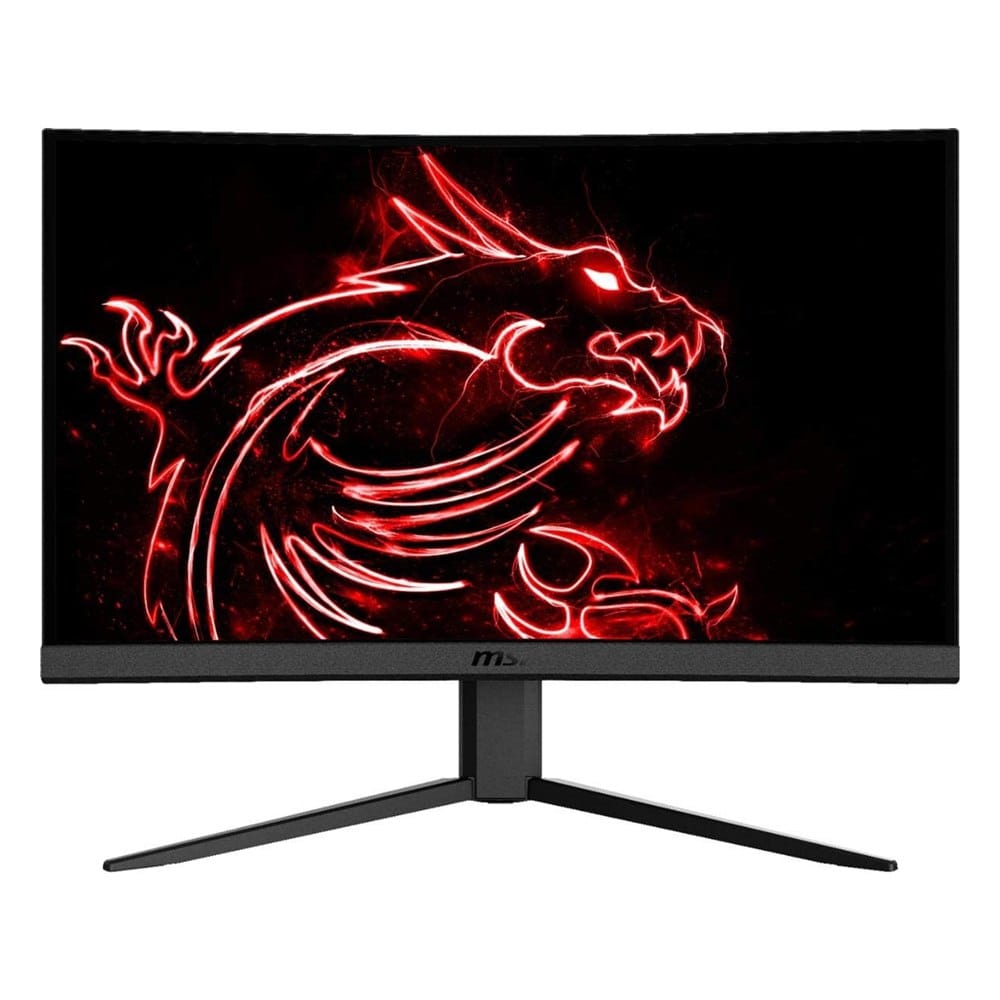
3. MSI G24C4 24-Inch Curved Gaming Monitor (FHD, VA, 144Hz)
Best for: a curved 144Hz screen at a low price.
A 24-inch curved VA monitor at 1920 x 1080 with a 144Hz refresh rate, FreeSync, HDMI and DisplayPort. It has 3.9 stars from nearly 1,450 reviews.
What makes it stand out: It's one of the lowest priced ways to get 144Hz and a curve. The photos show a dragon-logo screen and a tilt stand.
Good to know: The 3.9 rating is the lowest here, so read the recent reviews first. Some buyers mention backlight bleed and a stand that only tilts.
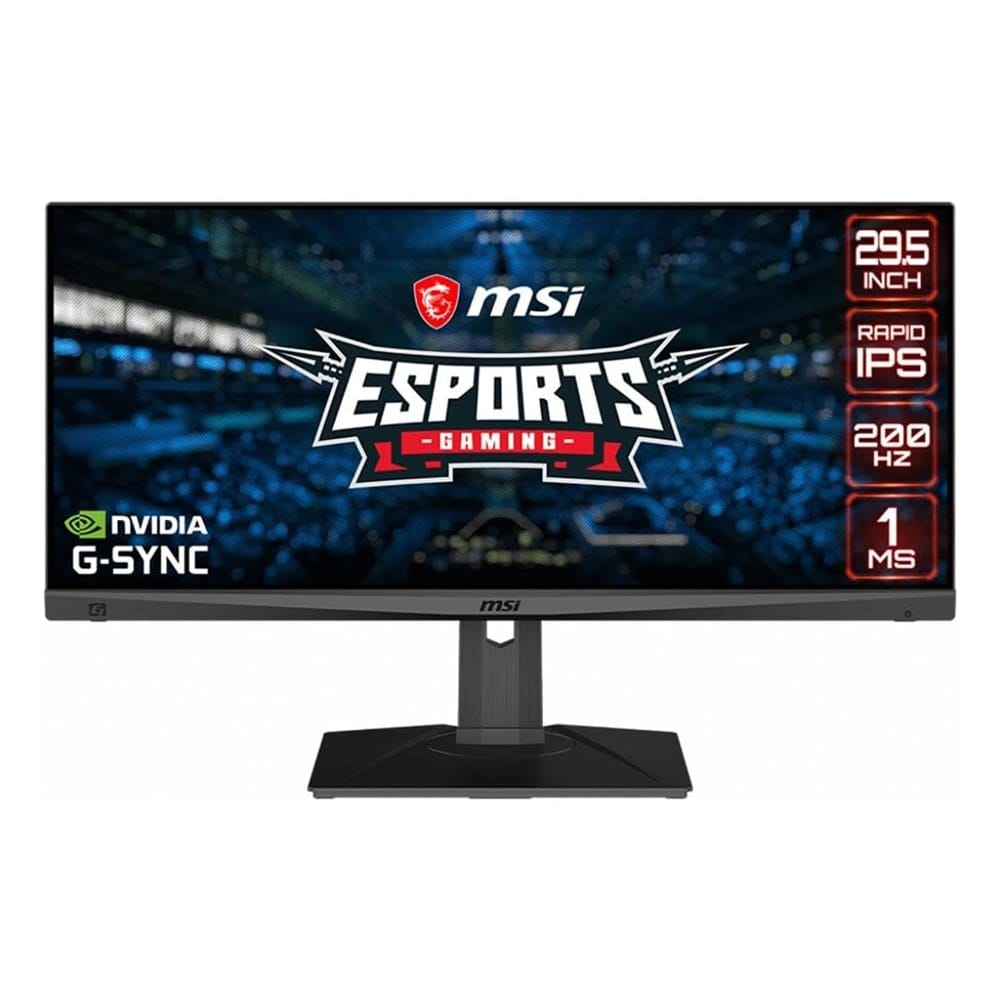
4. MSI MAG301RF 30-Inch Ultrawide Gaming Monitor (2560 x 1080, 200Hz)
Best for: a wide view in racing and open-world games.
A 30-inch ultrawide monitor with a 2560 x 1080 resolution, a Rapid IPS panel, 200Hz, 1ms response time and G-Sync compatibility. It's HDR ready. It has 4.3 stars from about 500 reviews.
What makes it stand out: It has the fastest refresh rate here and a wide screen. It's the best fit for racing, flight and wide-view games.
Good to know: It costs more than the 24-inch picks, and 1080p stretched across 30 inches isn't as sharp. Some games don't support ultrawide.
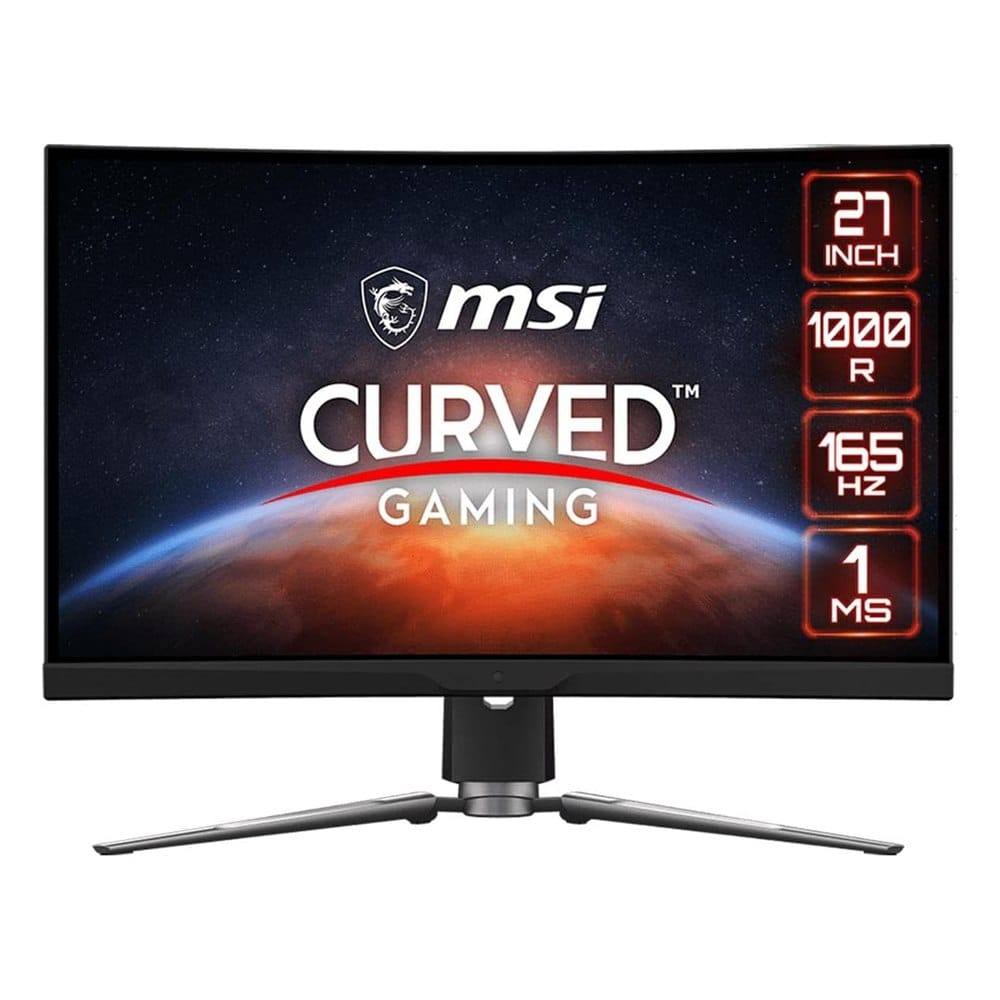
5. MSI MPG ARTYMIS 273CQR 27-Inch Curved Gaming Monitor (QHD, 165Hz)
Best for: sharper 1440p visuals with a deep curve.
A 27-inch curved VA monitor at 2560 x 1440 with 165Hz, 1ms response time, FreeSync Premium and HDR 400. The listing shows HDMI and DisplayPort ports. It has 4.6 stars, but only about 80 reviews.
What makes it stand out: It's the sharpest screen on the list and the best fit if your graphics card can run games at 1440p.
Good to know: With only about 80 reviews, there's less to go on, and it's the priciest pick. A deep curve isn't for everyone.
How to Set Up Your Gaming Monitor
- Use a DisplayPort cable when you can. HDMI works too, but check the refresh rate it supports.
- Open your display settings in Windows and choose the monitor's top refresh rate. It often defaults to 60Hz.
- Turn on FreeSync or G-Sync in your graphics card software if it's supported.
- Sit about an arm's length away, with the top of the screen at eye level.
- Turn down the brightness in a dark room to cut eye strain.
Frequently Asked Questions
Are MSI gaming monitors good?
What is the best MSI gaming monitor?
Is a curved monitor better for gaming?
Is 144Hz worth it?
Keep Reading
Final Thoughts
If you want one pick, we'd start with the MSI G241VC. It has the most reviews and a 4.6 rating at an easy price. For fast play and good colors, the G241 IPS is the one, and the MPG ARTYMIS is for people who want 1440p.
Pick the MAG301RF if you want an ultrawide. The G24C4 is the lowest priced way to get 144Hz, but its 3.9 rating means you should read the reviews first.
Disclosure: This post contains affiliate links. As an Amazon Associate I earn from qualifying purchases. Here's how we pick products.