

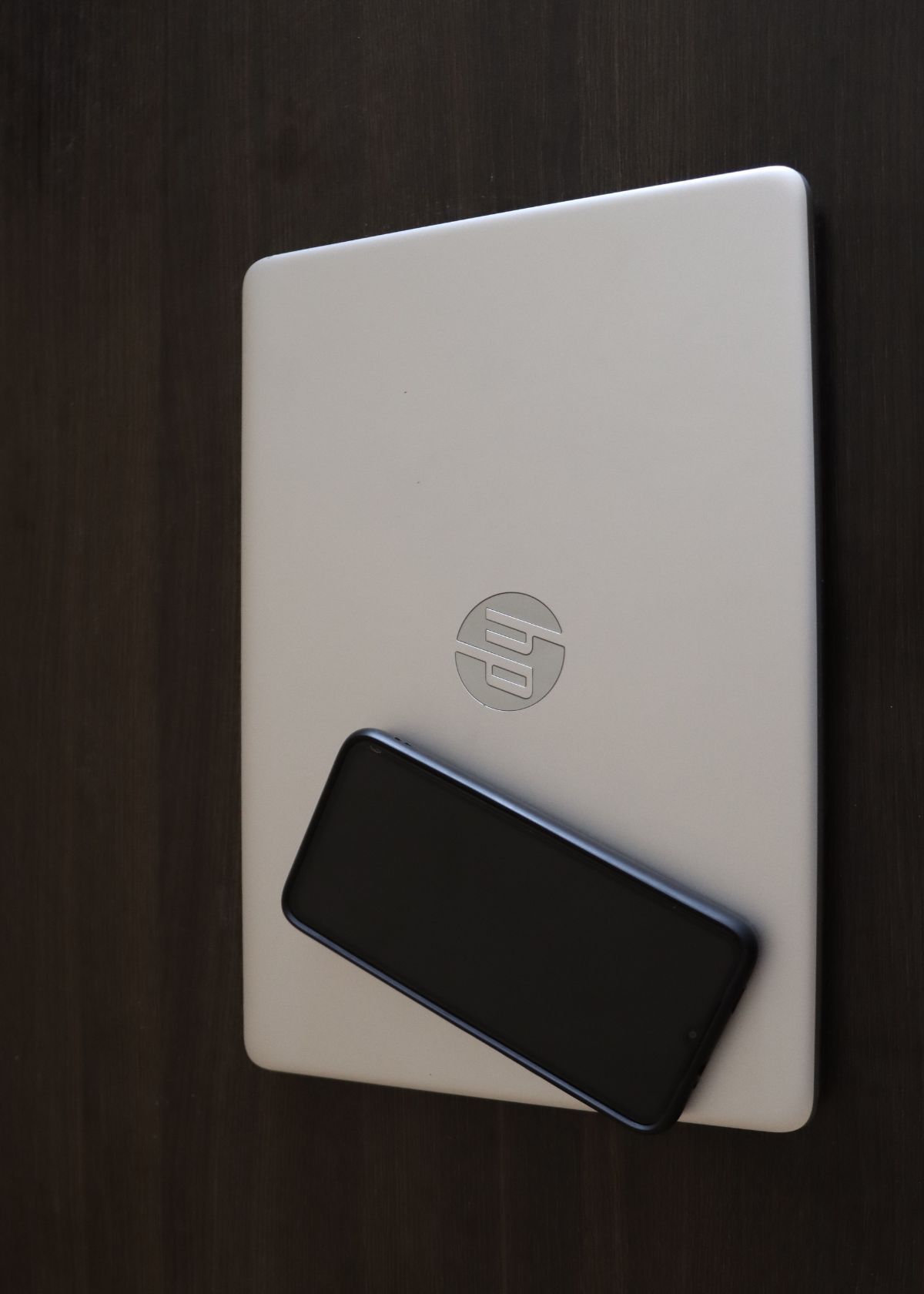

Is HP Pavilion a good laptop, and is it even a Windows PC? Yes on the second part: every HP Pavilion laptop and desktop runs Windows. Whether it's a good pick for you depends on what you'll use it for. Maybe you found a Pavilion on sale, or you're handed one from a family member and you're wondering if it can handle school, work or a little gaming. Here's a plain answer on what the Pavilion line does well, where it falls short, and what to check before you buy one in 2026.
What the HP Pavilion Line Is
HP has used the Pavilion name since 1995, first on desktops and later on laptops. It has always been HP's middle-of-the-road line: nicer than the cheapest models, cheaper than the premium Envy and Spectre machines. You'll find Pavilion laptops (usually 14 and 15 inch), Pavilion x360 2-in-1s that fold into a tablet, and Pavilion desktops.
They all ship with Windows. Newer models come with Windows 11. Older ones came with Windows 10 or earlier, which matters more now (more on that below).
One more thing to know: since 2025, HP has been moving its everyday laptops to a new name, OmniBook. So you'll see fewer brand-new Pavilions in stores, and more of them on sale, refurbished or used. That can be a good deal, as long as the specs are current enough.
Is HP Pavilion a Good Laptop?
For everyday use, yes. Email, browsing, streaming, Office, Zoom and school work all run fine on a Pavilion with a recent processor, 8GB or more of memory and an SSD.
For students, usually yes. The Pavilion x360 is popular with students because it flips into a tablet for notes and reading. Check the battery life on the exact model, since it varies a lot.
For gaming, only lightly. Most Pavilions use built-in graphics, which handle older and lighter games but not new, demanding titles. HP's old Pavilion Gaming laptops were replaced by the Victus line, which is what HP now sells for budget gaming.
For heavy work, not really. Video editing, big spreadsheets with lots of data and 3D work are better on a machine with more memory and a dedicated graphics card.
What to Check Before You Buy a Pavilion
- Windows 11 support. Microsoft ended free support for Windows 10 in October 2025. Windows 11 needs a newer processor (generally Intel 8th generation or newer, or AMD Ryzen 2000 series or newer) and a security chip called TPM 2.0. Most Pavilions from about 2018 on qualify. Older ones may not.
- Memory. 8GB is the minimum we'd accept today. 16GB keeps things smooth with lots of browser tabs open.
- Storage type. Make sure it has an SSD, not an old spinning hard drive. It's the single biggest speed difference you'll notice.
- Upgrade options. Many Pavilion 15 models let you add memory or swap the SSD, but some newer thin models have memory soldered to the board. Look up the exact model number before counting on an upgrade.
Shopping around? Our laptops for working from home list covers a few options from $350 to $1,100, and if you'd rather have a desktop, see our HP Pavilion desktop guide or the best mini tower PCs.
Frequently Asked Questions
Is HP Pavilion compatible with Windows 11?
Is HP Pavilion good for gaming?
Is HP Pavilion still available?
Is the HP Pavilion x360 good for students?
Keep Reading
- HP Pavilion desktops: how to pick one
- Laptops for working from home
- ASUS laptops for gaming, school and work
Final Thoughts
An HP Pavilion is a Windows PC, and it's a solid, sensible laptop or desktop for everyday tasks and schoolwork. Buy one with a recent processor, 8GB or more of memory and an SSD, and confirm it runs Windows 11.
If gaming or heavy creative work is the plan, skip the Pavilion and look at a machine built for it, like HP's Victus line or a laptop with dedicated graphics.